Twist the mouthpiece like a car key in the ignition to
unlock & remove.
Load extract into the center of the C-Core dish.
Replace the cap.
GET STARTED
REGISTER YOUR DEVICE
PRESS THE BUTTON 5X TO TURN ON & OFF.
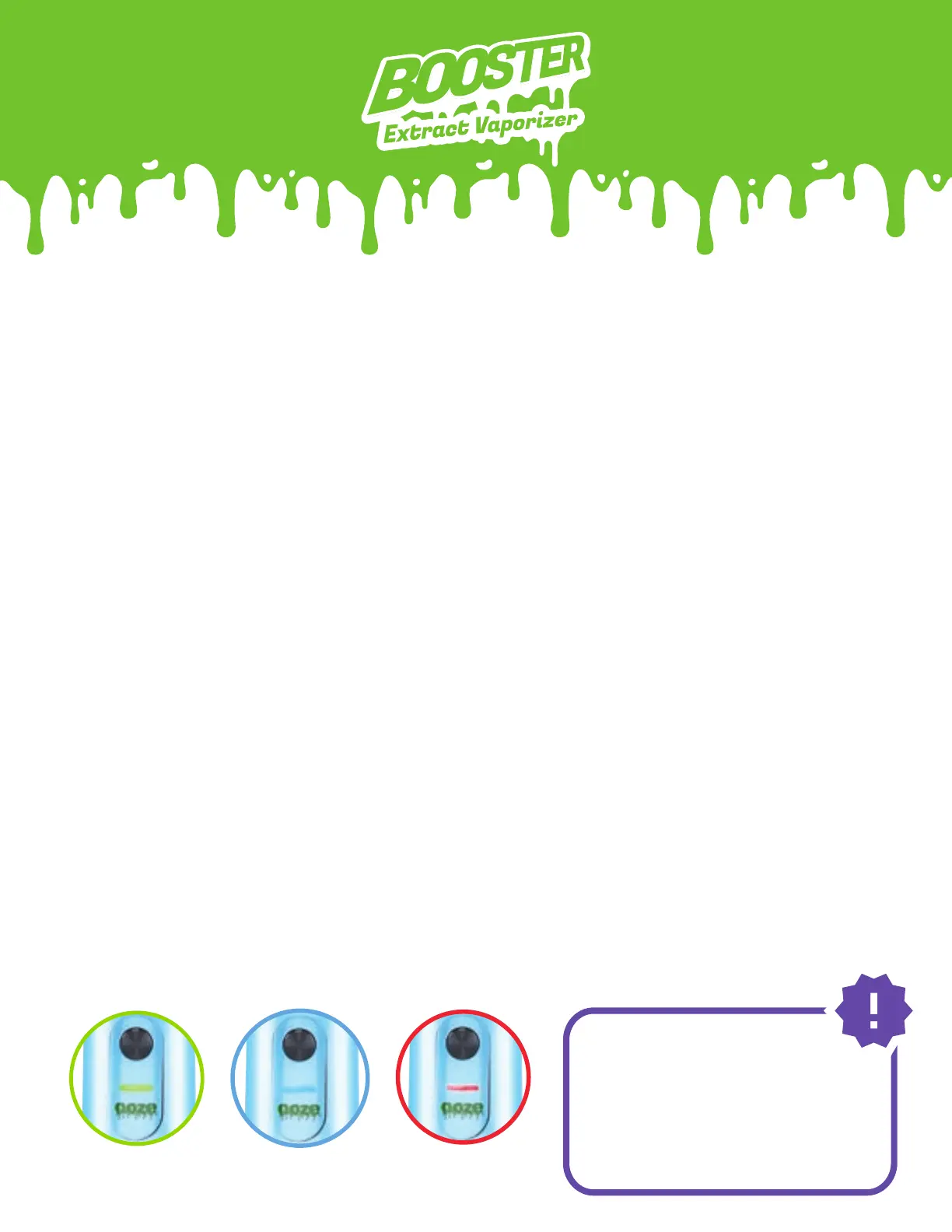
Press the button 3x to switch between the 3 voltage levels.
Each level has a different LED color and heats to a different
temperature range:
HOW TO USE YOUR BOOSTER
The Booster will
remember the voltage
level you selected
during your previous
session. It will remain at
this level unless you
click the button 3x.
SETTING UP YOUR BOOSTER
2.7V
GREEN
3.2V
BLUE
3.7V
RED
1.
2.
3.
Your Booster has an authentication code located on the back of the
device near the base.
Go to ooze.life/register and use this code to fill out the registration
form.
Submit the form. Your Booster is officially registered in our system,
and your warranty is activated!
1.
2.
3.



 To Next Page