Installation Guide
Note: When the activation process
cannot be completed normally, the
App will ask you to scan the OPU's
QR code, located on the back of the
OPU, to continue.
1/4 de pouce
(0,64 cm)Max
Montez le capteurde porte
Montez le capteur de Fenêtre
(G) Installaon des baeries des
capteurs de porte/fenêtre
1/4 de pouce
(0,64 cm)Max
Montez le capteurde porte
Montez le capteur de Fenêtre
(G) Installaon des baeries des
capteurs de porte/fenêtre
1/4 de pouce
(0,64 cm)Max
Montez le capteurde porte
Montez le capteur de Fenêtre
(G) Installaon des baeries des
capteurs de porte/fenêtre
Note: For the Door/Window Sensor, it does not matter
which piece you place on the frame and which piece
you place on the moving part. To create proper contact,
ensure the tops of the two pieces line up. The Spacer is
used in situations where the smaller piece needs to be
elevated to the larger piece to ensure proper contact.
Note: Once Motion sensor alarms, it will start
to count 3 minutes, and count over again if
any movement detected in this period .The
next alarm will be triggered only when no
movement is detected within 3 minutes.
(H) Installaon des baeries
du capteur de mouvement
Montez le Capteur
de Mouvement
(H) Installaon des baeries
du capteur de mouvement
Montez le Capteur
de Mouvement
Congratulations! You have
successfully installed the
security system!
Wireless RF Repeater Water Leak
Sensor
Sonic & Heat
Sensor
Wi-Fi Repeater Smart PlugGarage Door
Sensor
Wi-Fi Pan & Tilt IP Camera Inactivity
Sensor
Motion Sensor Door/Window
Sensor
Remote Control
Wi-Fi IP Camera Panic ButtonSiren
(G )
Add-on Devices
STEP
4
STEP
8
Cameras & Repeaters Security & Safety Devices Care & Automation Devices
STEP
5
STEP
6
STEP
7
(Sample of QR Code)
1/4 inch Max
Mount Door Sensor Mount Window Sensor
(E) Door/Window Sensor
Battery Installation
(F) Motion Sensor Batter y
Installation
Mount Motion Sensor
Less than 7 Feet
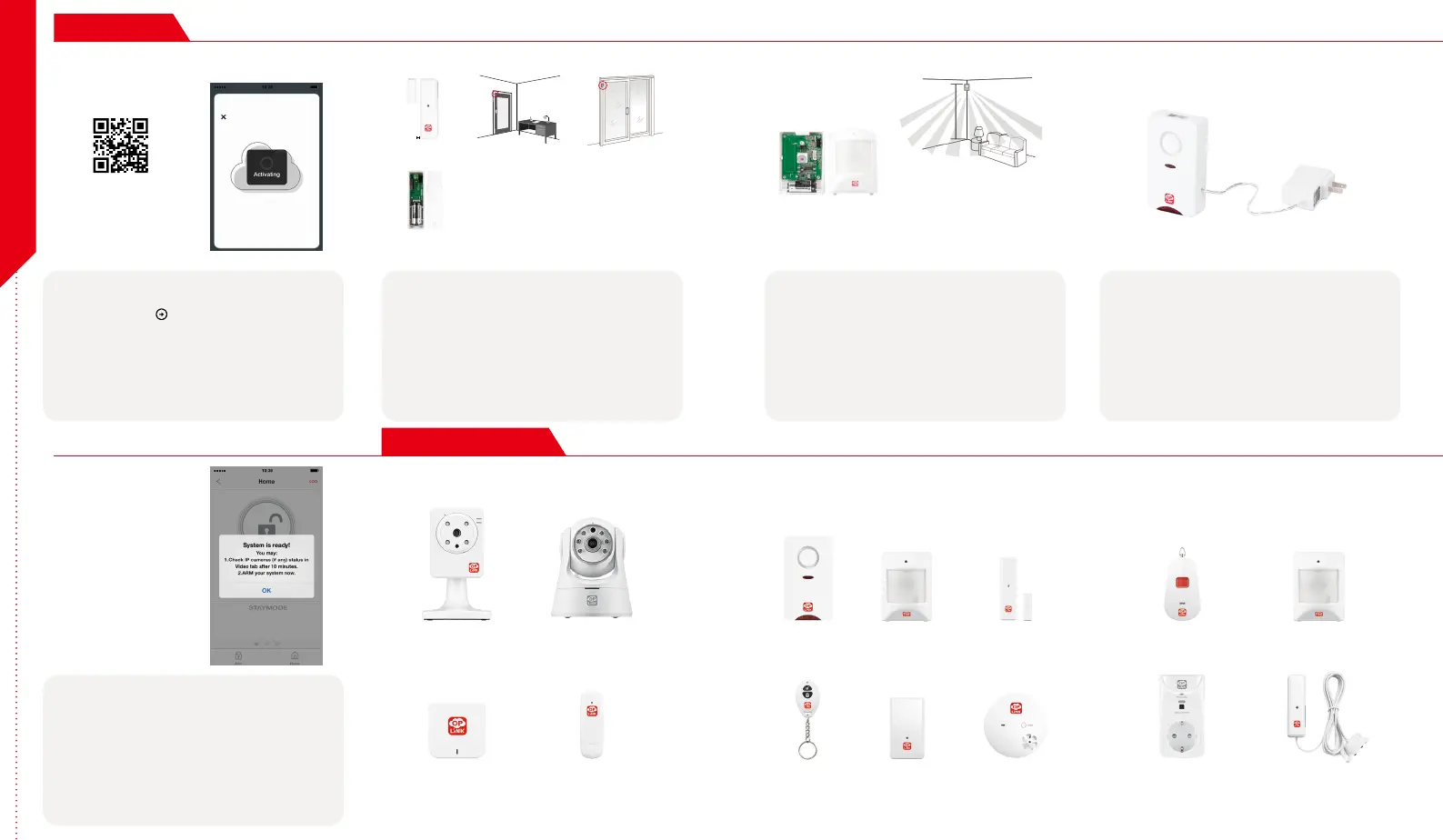
Start devices activation on the app
Tap the Next Button
to go to the "Activating" screen.
(Activation process takes approximately 2 minutes)
Place the Door/Window Sensor
Each Door/Window Sensor set consists of two pieces. Take
the larger piece and with slight force, push the small tab on
the back plate outward and slide the back plate upward.
Remove the back plate and insert a battery into each Door/
Window Sensor set. Apply the double-sided tape to each
piece. It is recommended that the Door/Window Sensor be
mounted in a vertical/upright position.
Place the Motion Sensor
Lift the top tab to remove the cover and install the battery
into the Motion Sensor. For maximum coverage, the
sensor should be placed in the corner of the room to be
monitored and no more than 7 feet above the ground.
The Motion Sensor is most effective in areas such as
hallways and entry points where possible intruders will
have to pass through.
Power up the Siren
Plug the Siren into an outlet within 5 feet of the OPU to
establish connection. Once connection is established and
working, the Siren can be moved to its desired location.
Your Siren comes with a backup battery pre-installed.
To make use of the backup battery, pull and remove the
clear plastic strip to initiate battery contact.
Activation completed
When you see the "System is ready!" message, your system
is ready for use.
Note: Your IP Camera status will be updated after 10 minutes.
You may expand your system's functions and features with a variety
of Oplink add-on devices.
Step Guide



 To Next Page
 Loading...