5
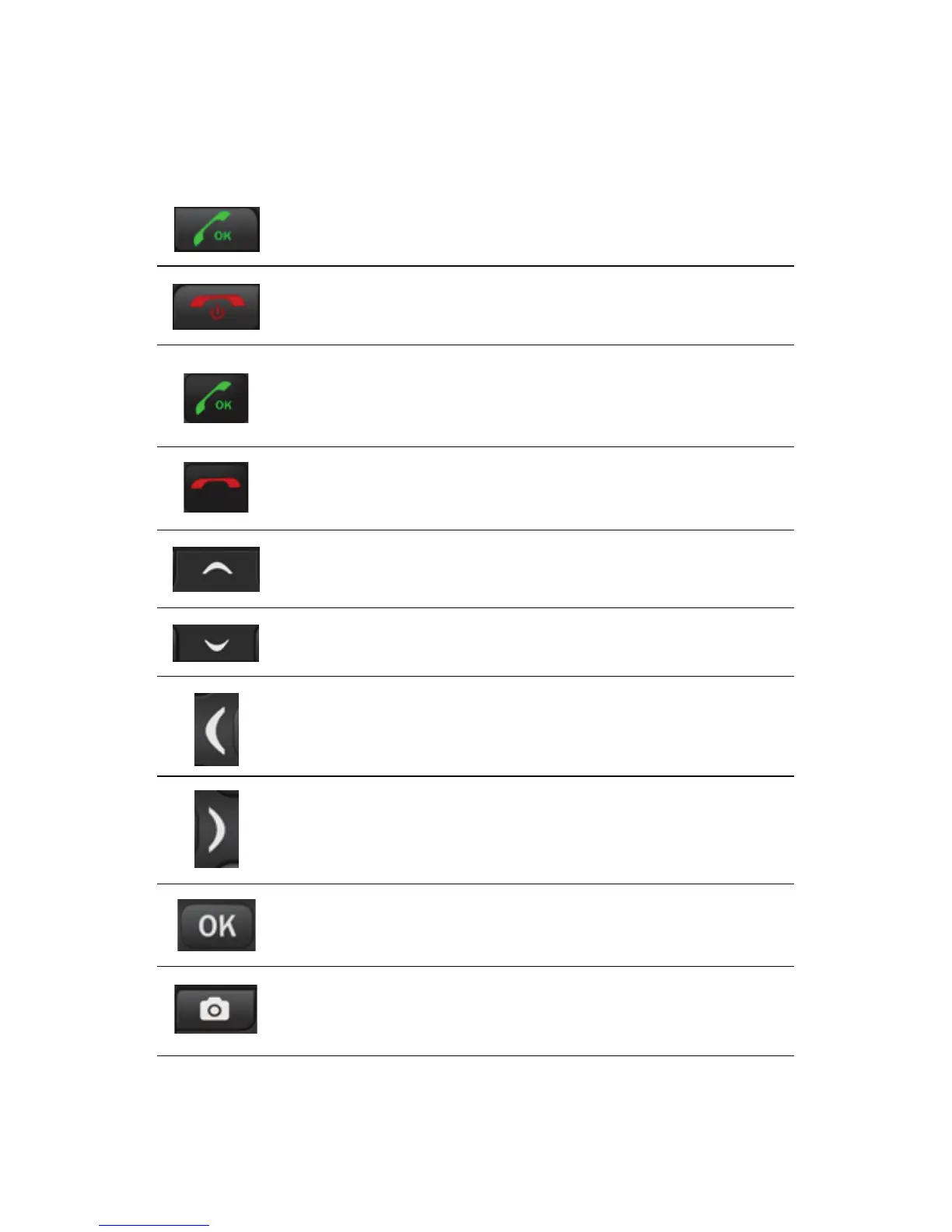
Key Pad Functions
Inside Answer Key
(Green Key)
Inside End Key
(Red Key)
Outside Answer Key
(Green Key)
Press to answer a call: Press to answer an
incoming call
Standby mode: Press to enter call list
Press to Answer a Call: Press to pick up
phone when there is incoming call. Click
Hands Free or Reject. Hands Free will
activate loud speaker call, Reject will
reject the call.
Home Screen: Press for User Profile Shortcut
Operating: Press to move cursor up
Phone Off: Long press to switch off
Phone On: Long press to switch on
Short Press: Press to end call
Outside End Key
(Red Key)
Navigation Key
(Up Key)
Press to Reject/Mute Call: By Clicking once
Mutes the call incoming, clicking twice will
reject the call.
Home Screen: Press to use Alarm
Operating: Press to move cursor down
Home Screen: Press to use Calendar
Operating: Press to move cursor left
Home Screen: Press to open Menu
Operating: Press to enter functions or menus
Home Screen: Press to open Camera
Operating: Press to operate function in left
hand corner of screen (Example Option or Select)
Navigation Key
(Down Key)
Navigation Key
(Left Key)
Home Screen: press to use Shortcuts.
User Profiles, Calendar, Calendar, Alarm,
FM Radio, Gallery, Phonebook.
Operating: Press to move cursor right
Navigation Key
(Right Key)
OK Key
Camera Key














 To Next Page