100 Infotainment System
Press and hold P to turn the
power off.
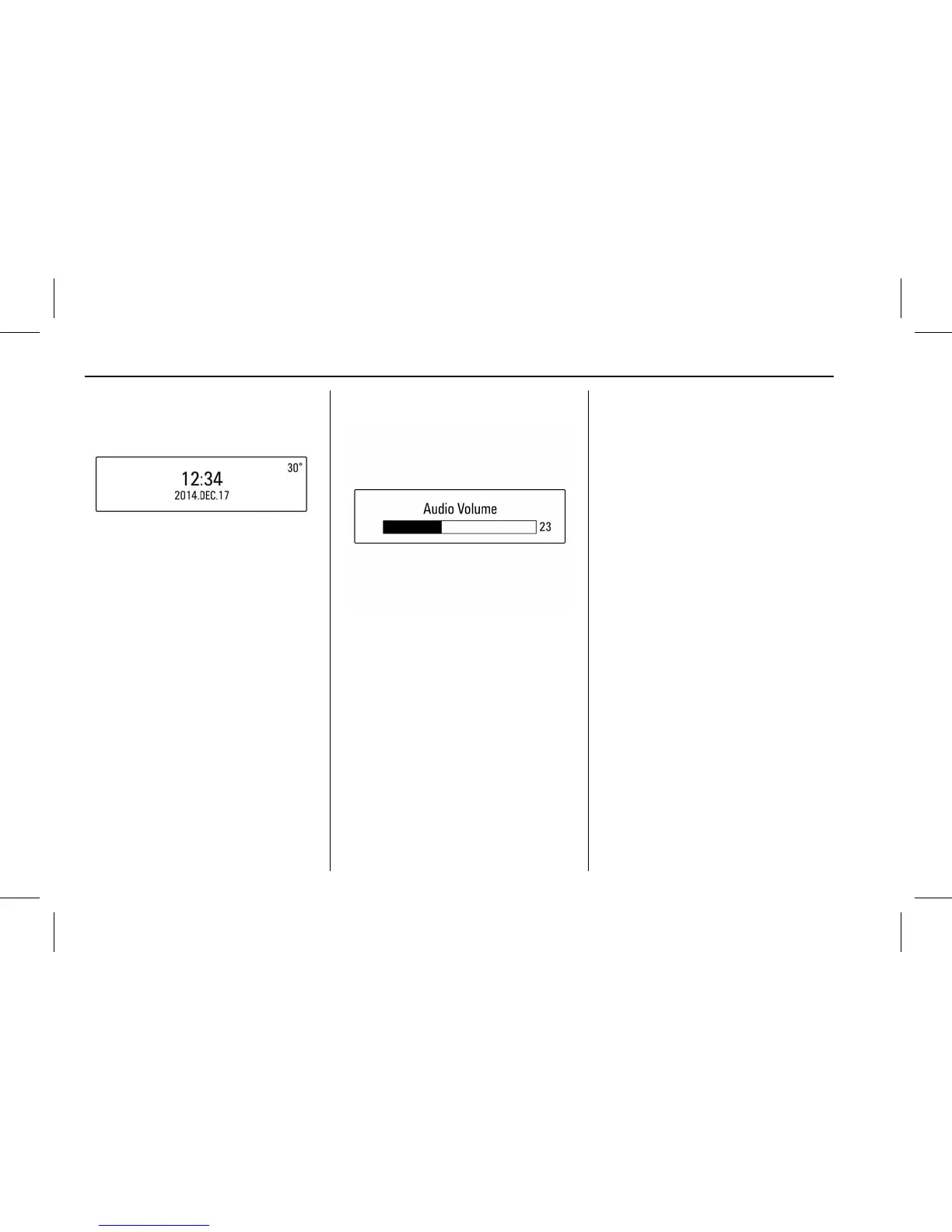
When the System is turned off, the
time of Day is displayed.
Volume control
Turn the VOLUME dial to control the
volume.
.
Using the Steering wheel audio
remote control, press +
x - to
control the volume.
.
Available volume range: 1 ~ 63.
.
When the volume is turned down
to zero, this is not equivalent to
mute mode.
.
Turning on the Infotainment
system power will set the
volume level to its previous
selection (when it is less than
the maximum starting volume).
Mute control
Press P to turn mute on.
.
Mute symbol “
$ ” will display in
the status field and mute the
sound.
.
Press
P again or turn VOLUME
dial to restore sound.
.
In USB mode, when the system
is set to mute, playback is
paused.
Tone settings
Press TONE to enter the Tone
Settings screen.
Or press MENU > select Settings >
select Tone Settings to enter the
Tone Settings screen.



 To Next Page