114 Infotainment System
Turn the TUNE dial to move the
desired menu item, and then press
MENU to select the relevant item or
to enter the item's detailed menu.
.
Browse “Device Name ”:
Selects a list item in the list of
browse names such as Playlists,
Artists, Albums, Tracks, Genres,
Audio Books, and Composers.
.
Shuffle: Turn the shuffle feature
on or off.
Remove iPod
Remove the iPod from the USB
connection terminal.
When the iPod is removed, the
system automatically changes to the
previously used function or the FM
radio.
AUX input
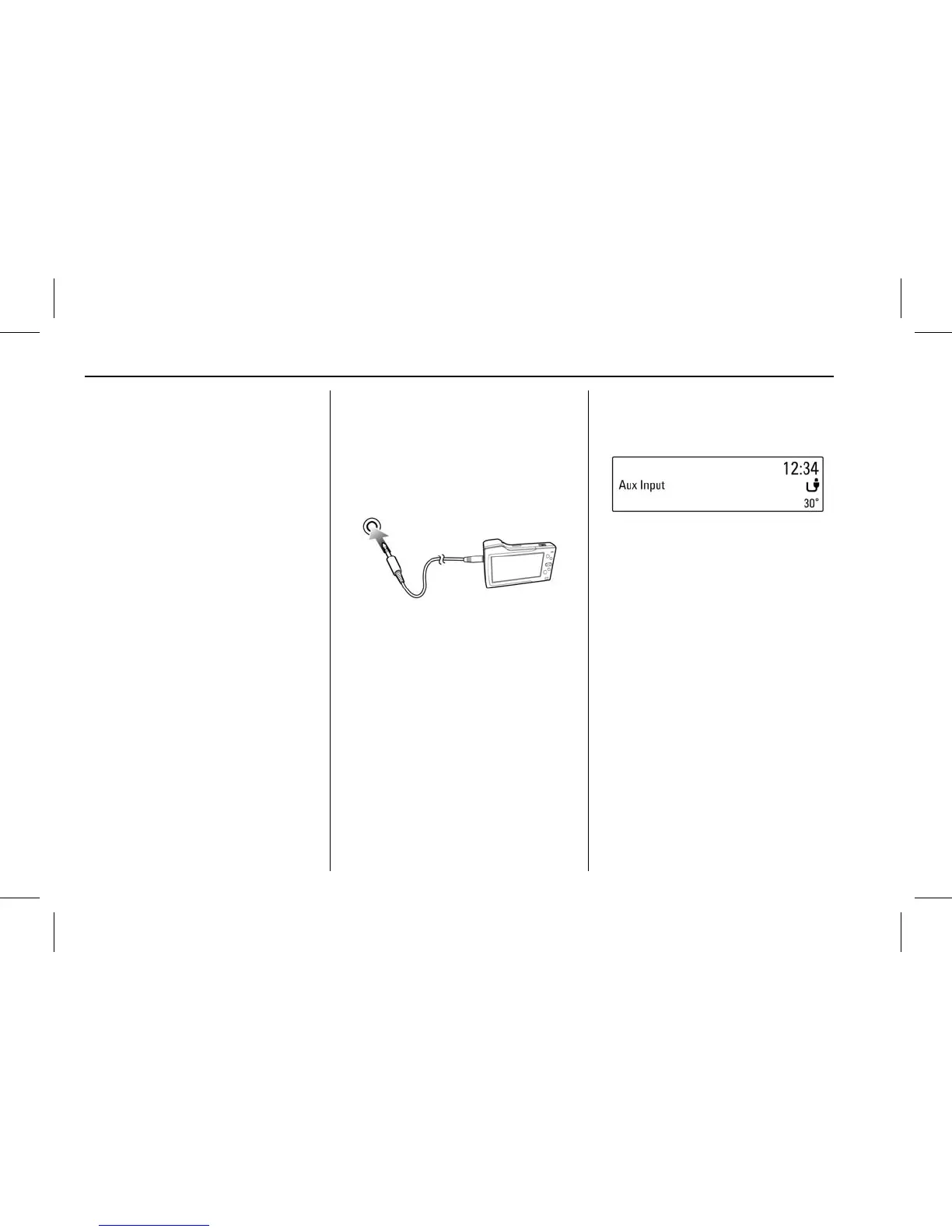
Connecting an exterior sound
device
Connect the audio output of the
external audio equipment to the
AUX input terminal.
.
The Infotainment system will
automatically switch to the
exterior sound (AUX) input mode
when the exterior sound device
is connected.
Press MEDIA to switch to the
exterior sound input mode if the
exterior sound system has already
been connected.
Turn the VOLUME dial to adjust the
volume.



 To Next Page