Instruments and controls 99
Vehicle Information Menu X
Press MENU to select X.
Turn the adjuster wheel to select a
submenu. Press SET/CLR to confirm.
Follow the instructions given in the
submenus.
Depending on the version, the
possible submenus may include:
● Unit: displayed units can be
changed
● Tyre Pressure: checks tyre
pressure of all wheels during
driving 3 213
● Tyre Load: select tyre pressure
category according to the
actually inflated tyre pressure
3 213
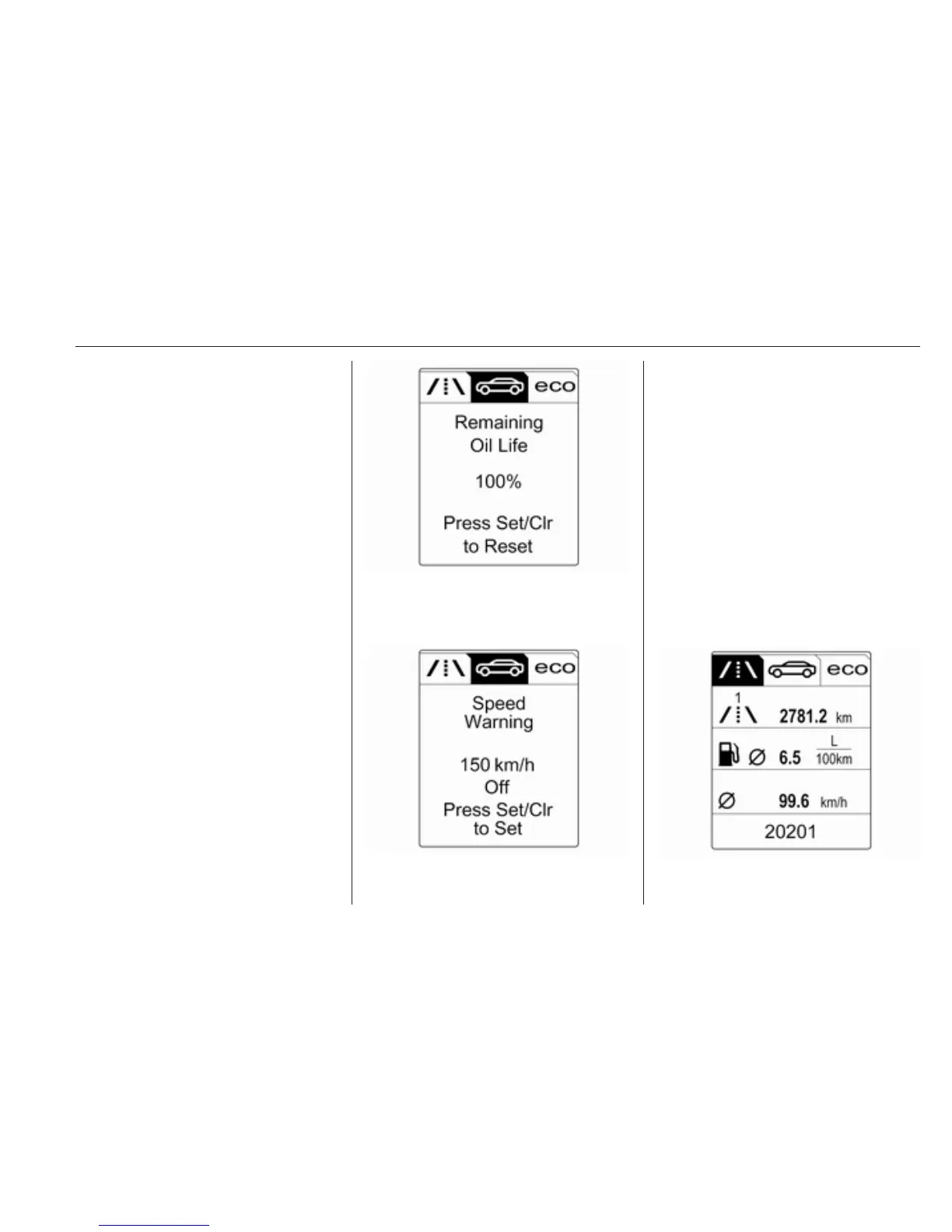
● Remaining Oil Life: indicates
when to change the engine oil
and filter 3 88
● Speed Warning: if exceeding the
preset speed, a warning chime
will be activated
● Traffic Sign Assistant: displays
detected traffic signs for the
current route section 3 176
● Following Dist.: displays the
distance to a preceding moving
vehicle 3 165
Trip/Fuel Information Menu W
Press MENU to select W.
Turn the adjuster wheel to select a
page:



 To Next Page