Introduction 13
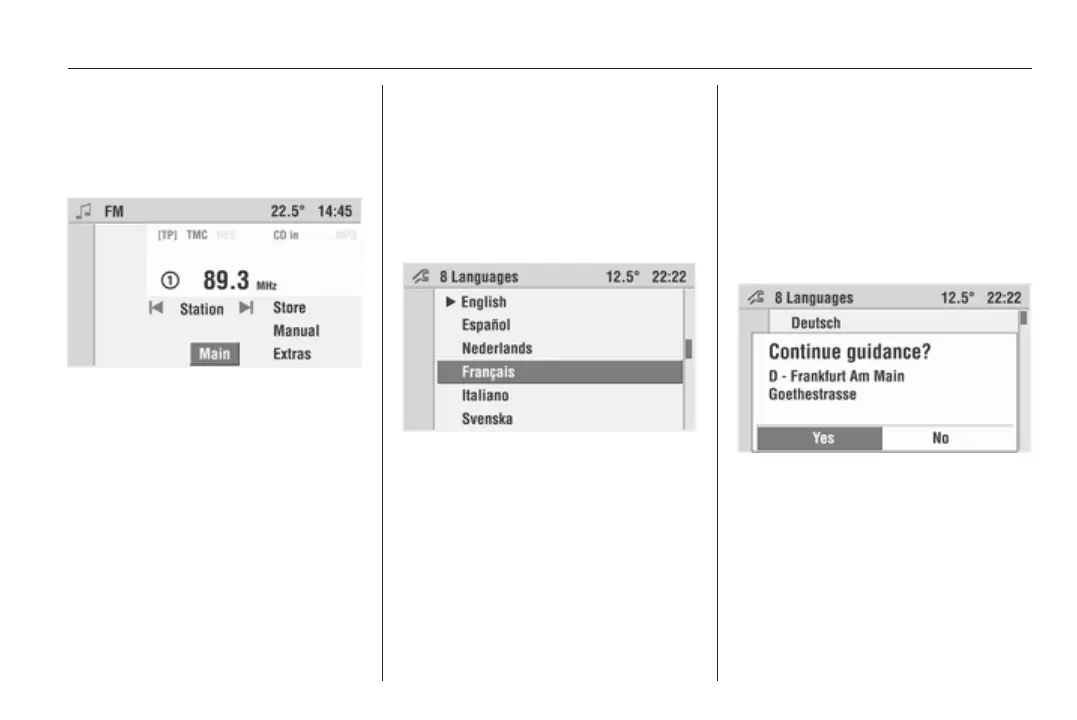
Each menu also has the hidden
Main menu item. This menu item only
becomes visible if you get to the
bottom end of a menu (turn the
multifunction knob clockwise).
Select Main to recall the main display.
This function can also be executed at
any time by pressing the MAIN
button.
Selecting from a menu
The cursor shows which menu item is
to be selected.
Move the cursor to the desired menu
item by turning the multifunction
knob.
Press the multifunction knob to
confirm your selection.
The corresponding function is
executed or the corresponding
submenu displayed.
For some menu items settings are
made after selecting them by turning
the multifunction knob.
Selecting from a list
For some menu items lists are called
up. You can navigate these lists using
the cursor.
Press the multifunction knob to
confirm your selection.
Move cursor up or down by turning
the multifunction knob.
Further list entries are displayed
when the cursor is moved to the top
or bottom area of the display. A scroll
bar at the right-hand display area
shows the current cursor position
within the entire list.
The number of list entries appears in
the top display line. In some lists the
last selected list entries are marked
with a l before the list entry.
Pop-up menus
In certain cases the display shows
additional notes and information of
the Infotainment system or other
vehicle components as a pop-up.
For this purpose, the currently
displayed menu is overlaid with the
pop-up.









 To Next Page