14 Introduction
You have to confirm some of the pop-
ups (e.g. the safety warnings of the
navigation), others will automatically
disappear after a short period.
In CD mode, for example, the traffic
station is displayed during a traffic
announcement when TP is active.
Recalling main functions
The main functions are recalled using
the NAVI, AUDIO, SOUND and BC
buttons:
■ To recall the navigation menu,
press the NAVI button.
■ Press the AUDIO button to access
the radio, CD/MP3 CD sources.
■ Press the SOUND button to open
the sound settings menu.
■ Press the BC button to display the
functions of the trip computer (if
available).
Audio sources
The available audio sources are radio
(AM/FM) and CD (audio/MP3).
Radio:
You can choose between the FM and
AM (MW) wavebands.
CD/MP3:
The CD player/CD changer (if
available) integrated into the
Infotainment system supports both
audio CDs and CDs in MP3 format.
Selecting an audio source
If the radio or CD menu is displayed:
Press the AUDIO button to switch
between the radio and CD/MP3 CD
audio sources.
If one of the other menus (e.g.
navigation, settings, etc.) is active:
Press the AUDIO button once.
The radio or CD/MP3 menu appears
in the display.
Press the AUDIO button again to
change audio source.
If no CD (audio or MP3) is inserted
into the audio CD slot of the
Infotainment system, the
Infotainment system prompts you to
insert a CD.
Selecting audio source using the
Audio menu
1. Press the MAIN button.
2. Select the t audio function in the
main display.
3. Press the multifunction knob.
4. Select the Return menu item.
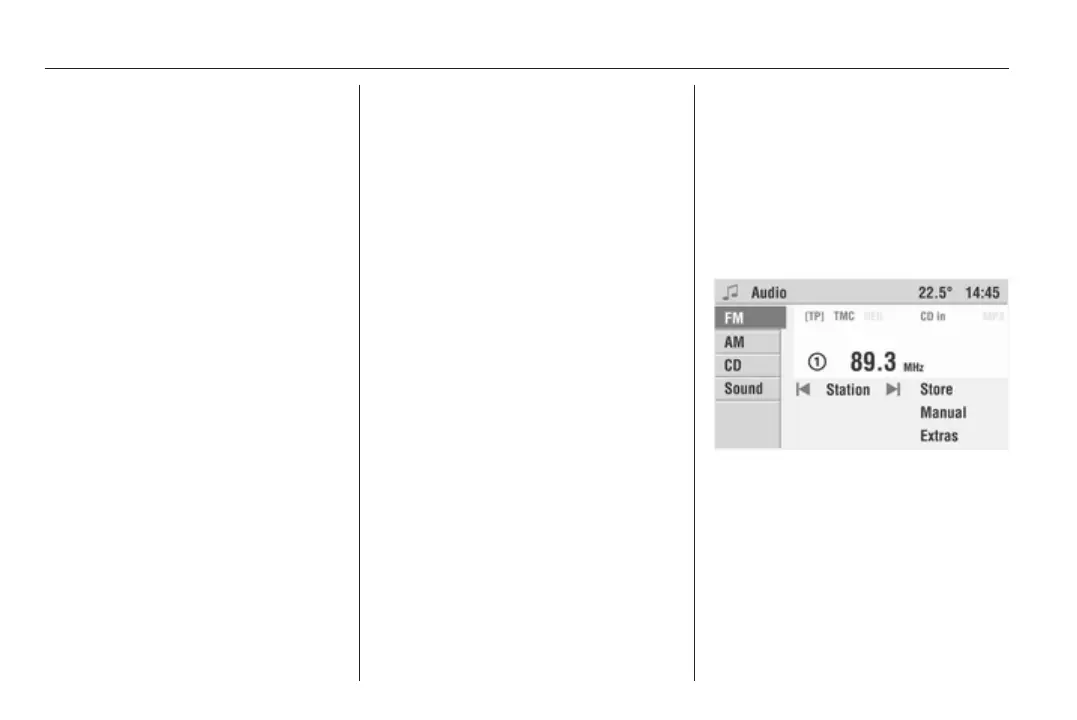
The Audio menu is displayed.
5. Select the FM, AM or CD menu
item to switch to the desired audio
source.
The selected audio source is played
and the Infotainment system
automatically switches to the display
page of the selected audio source
(FM, AM or CD menu).









 To Next Page