EasyManua.ls Logo

Opel DVD 90 NAVI - User Manual

Opel DVD 90 NAVI
162 pages
Print Icon
To Next Page IconTo Next Page
Loading...
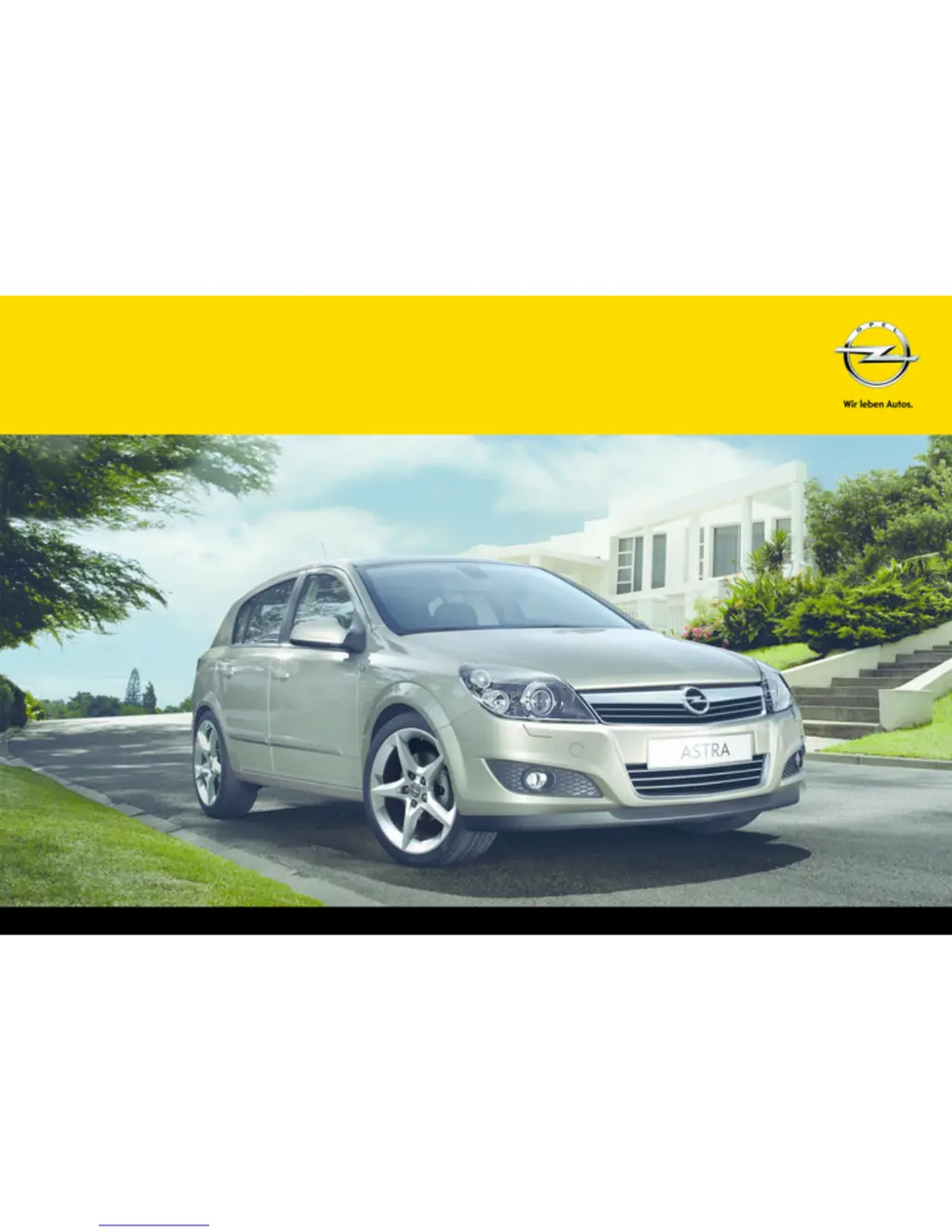
OPEL ASTRA
Infotainment System

Other manuals for Opel DVD 90 NAVI

Questions and Answers

  • M
    Micheal DuranSep 22, 2025
    Why do I have problems with copy-protected audio CDs on my Opel DVD 90 NAVI Car Receiver?
    • P
      Preston PhillipsSep 22, 2025
      If you are experiencing problems with new copy-protected audio CDs on your Opel Car Receiver, some copy protection procedures are incompatible with accepted standards for audio CDs. This is not a fault on the unit.
  • M
    Margaret AdamsAug 23, 2025
    What to do if no traffic reports can be heard on Opel DVD 90 NAVI?
    • S
      Sheila McdonaldAug 23, 2025
      If no traffic reports can be heard on your Opel Car Receiver when in CD/MP3 mode or when Mute is activated, switch on TP.
  • H
    Heather FloydAug 25, 2025
    Why does the volume of my Opel DVD 90 NAVI Car Receiver decrease in hot weather?
    • R
      Robert Martin DVMAug 25, 2025
      If the volume of your Opel Car Receiver decreases or cannot be increased further when it is very warm inside the vehicle, an integrated safety circuit is likely preventing the temperature in the device from exceeding a certain value, which automatically reduces the volume.
  • P
    Paul ArmstrongAug 26, 2025
    How to fix wrong time on Opel DVD 90 NAVI?
    • E
      eboydAug 27, 2025
      If the Opel Car Receiver displays the wrong time, it could be due to disabled automatic time synchronisation via RDS. You can adjust the time of day using the Settings menu. Alternatively, if automatic time synchronisation via RDS is activated, try switching it off.
  • K
    Karen DavenportAug 27, 2025
    How to improve radio reception on Opel DVD 90 NAVI?
    • H
      Heather CarterAug 27, 2025
      If you are experiencing poor or no radio reception on your Opel Car Receiver, check if the aerial is securely screwed onto the aerial mount.
  • D
    Denise CamachoSep 18, 2025
    Why is the sound distorted during CD play on my Opel DVD 90 NAVI Car Receiver?
    • C
      Crystal BradleySep 18, 2025
      If you experience distorted sounds or skips during CD play on your Opel Car Receiver, the CD may be soiled or scratched. Clean the CD with an appropriate specialist cleaner.
  • H
    Heidi WiseSep 15, 2025
    Why are traffic reports coming from a different station on my Opel DVD 90 NAVI Car Receiver?
    • S
      Sarah GardnerSep 15, 2025
      If traffic reports on your Opel Car Receiver come from a different station than the one you have set, select the desired traffic station for traffic reports in the “FM Extras” menu.
  • C
    Craig DanielsSep 16, 2025
    Why does it take so long to play MP3 CD on Opel DVD 90 NAVI?
    • K
      kimberly71Sep 16, 2025
      If the inserted MP3 CD takes a long time to play on your Opel Car Receiver, there might be a lot of MP3 files in different directories on the CD. The system needs time to read the directory structure.
  • L
    Linda NguyenSep 6, 2025
    What does the 'Ç' symbol on my Opel Car Receiver mean?
    • B
      brownmiaSep 7, 2025
      If the Opel Car Receiver displays the 'Ç' symbol on the navigation main page, GPS satellite reception may be disrupted. This can occur in multi-story car parks, tunnels, under bridges, in narrow valleys, during heavy rainfall or thunderstorms, or due to unfavorable satellite constellations. It can also happen if the vehicle battery has been disconnected or if the vehicle has been transported over a long distance.
  • C
    Chase WilsonSep 3, 2025
    Why does my Opel DVD 90 NAVI say “No CD loaded”?
    • M
      Melanie CookSep 3, 2025
      If the Opel Car Receiver displays “No CD loaded” when changing to CD/MP3 mode, even though a CD is inserted, the CD is either not being recognised or has an incompatible format.

Summary

Opel Astra Infotainment System Overview

Introduction to the Infotainment System

Provides general information about the state-of-the-art in-car infotainment system.

Instrument Panel Controls CD 70 NAVI

Overview of control elements on the instrument panel for the CD 70 NAVI.

Instrument Panel Controls DVD 90 NAVI

Overview of control elements on the instrument panel for the DVD 90 NAVI.

Operation: Setting the Volume

Instructions on how to adjust volume, including automatic switch-off and startup volume.

Recalling Main Functions and Audio Sources

Instructions on accessing main functions like NAVI, AUDIO, SOUND, and BC.

System Settings and Language

Configuration of system settings, including how to change the menu and prompt language.

Sound Settings and Volume Control

Guidance on setting sound styles, equalizer, and volume preferences.

Radio Operation

Station Search and Station List

How to search for stations automatically, manually, and access the station list.

Storing and Recalling Radio Stations

Instructions for manually storing stations and recalling them via buttons or the station menu.

Navigation System Guide

General Information and System Functionality

Overview of the navigation system and how it determines vehicle position.

Navigation System Usage and Settings

Activating the system, inserting media, setting language, and configuring navigation settings.

Destination Input Methods

Various ways to input destinations, including address, POIs, and map-based entry.

Detour Planning and Traffic Hold-ups

How the system handles detours for traffic hold-ups and planning manual detours.

CDC 40 OPERA System

Important Information on Operation and Traffic Safety

Safety guidelines for operating the infotainment system while driving.

Steering Wheel Audio Controls

Description of audio controls integrated into the steering wheel.

Infotainment System Operation

How to operate the infotainment system, including power, ignition logic, and control elements.

Radio Functions for CD 30; CD 30 MP3

Station Search Procedures

How to perform automatic and manual station searches.

Station Memory and Autostore Lists

Managing station memory slots and using autostore lists for automatic station storing.

Mobile Phone Portal Guide

General Information on Mobile Phone Portal

Overview of the mobile phone portal and its integration with the infotainment system.

Safety Warnings for Mobile Phone Use

Important safety advice regarding mobile phone use and hands-free operation.

Bluetooth Connectivity

Instructions for establishing a Bluetooth™ connection with a mobile phone.

Emergency Call Functionality

How to make an emergency call using the mobile phone and infotainment system.

Voice Recognition System Operation

How to use voice commands to operate mobile phone functions.

Opel DVD 90 NAVI Specifications

General IconGeneral
TypeCar Receiver
Navigation SystemYes
CD/DVD PlaybackYes
Radio TunerAM/FM
GPSYes
AUX InputYes
CompatibilityOpel vehicles
Audio Formats SupportedMP3, WMA

Related product manuals