- 8 -
"63B5
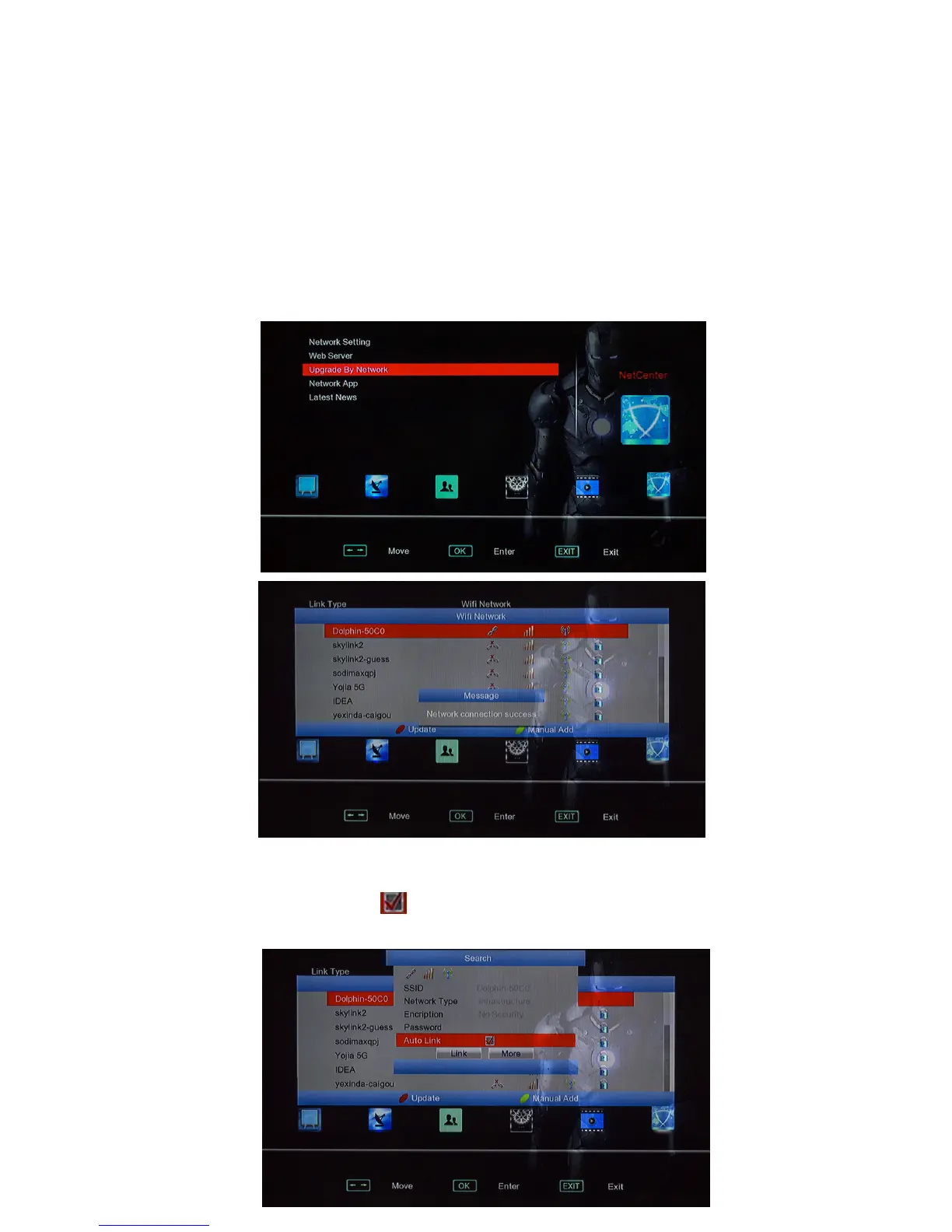
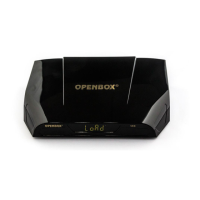
6-1, If box is V9S model, it Build in Wifi module already;
if box is V9 model, you have to ready RT5370 or MT7601 USB Wifi and put USB
Wifi to USB port at first;
6-2, Move to C5Menu via Remote Controller, Choose 8+1,
Choose Wifi Network;
6-3, Back Menu and choose Search , search Wifi, Choose correct wifi name and put in
password, choose “Auto Link” , then it can connect to usb wifi automatically when
turn on box next time.


 To Next Page