20.
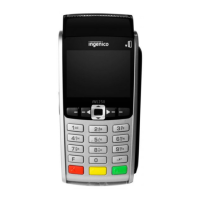
POYNT P5 APN SETTINGS
Click on Mobile APN Settings.
If the APN listed is not optconnect01.com.attz click to add a new
APN value.
APN Name: OptConnect
APN: optconnect01.com.attz
APN Type: default
MCC: 310
Return to the Settings menu.
The merchant-release needs to be at least 342 or higher. If not Wi-Fi will
needtobeenabledtodownloadthenewrmware.
STEP TWO
MNC: 170
APNProtocol:IPV4
Authentication type: none



 To Next Page