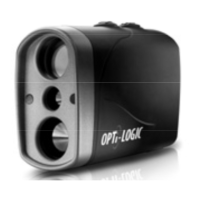
Basic Operation:
• Hold the instrument an inch or so from your eye and aim at an object through the view
finder.
•Press and hold the Power/Range “ ” button. A “Red Dot” will appear in the viewfinder.
• Place the Red Dot on the target.
• Release the button and maintain aim on the target momentarily. Read range directly on
the internal LED display. Holding the button down for more than 3 seconds will automatically
place the laser rangefinder in SCAN mode. Data will continuously update until the button is
released or up to a maximum of approximately 10 seconds. Using this feature will reduce
battery life.
• Read the target distance after the Red Dot turns off. The last reading taken will be
displayed for approximately 8 seconds.
Display Brightness Adjustment: (3 levels of adjustment):
From an angle less than -45° (degrees), press and release the Power/Range
“ ” button. Within 3-4 seconds, press and release the Mode button “M” repeatedly until
you reach your desired brightness level. The display brightness will change from Dim, to
Medium, then Bright and re-cycle, accommodating all ranges of ambient lighting.
PAGE 5


 To Next Page
 Loading...