EasyManua.ls Logo

Optibox Anaconda HD - User Manual

Optibox Anaconda HD
53 pages
Print Icon
To Next Page IconTo Next Page
Loading...
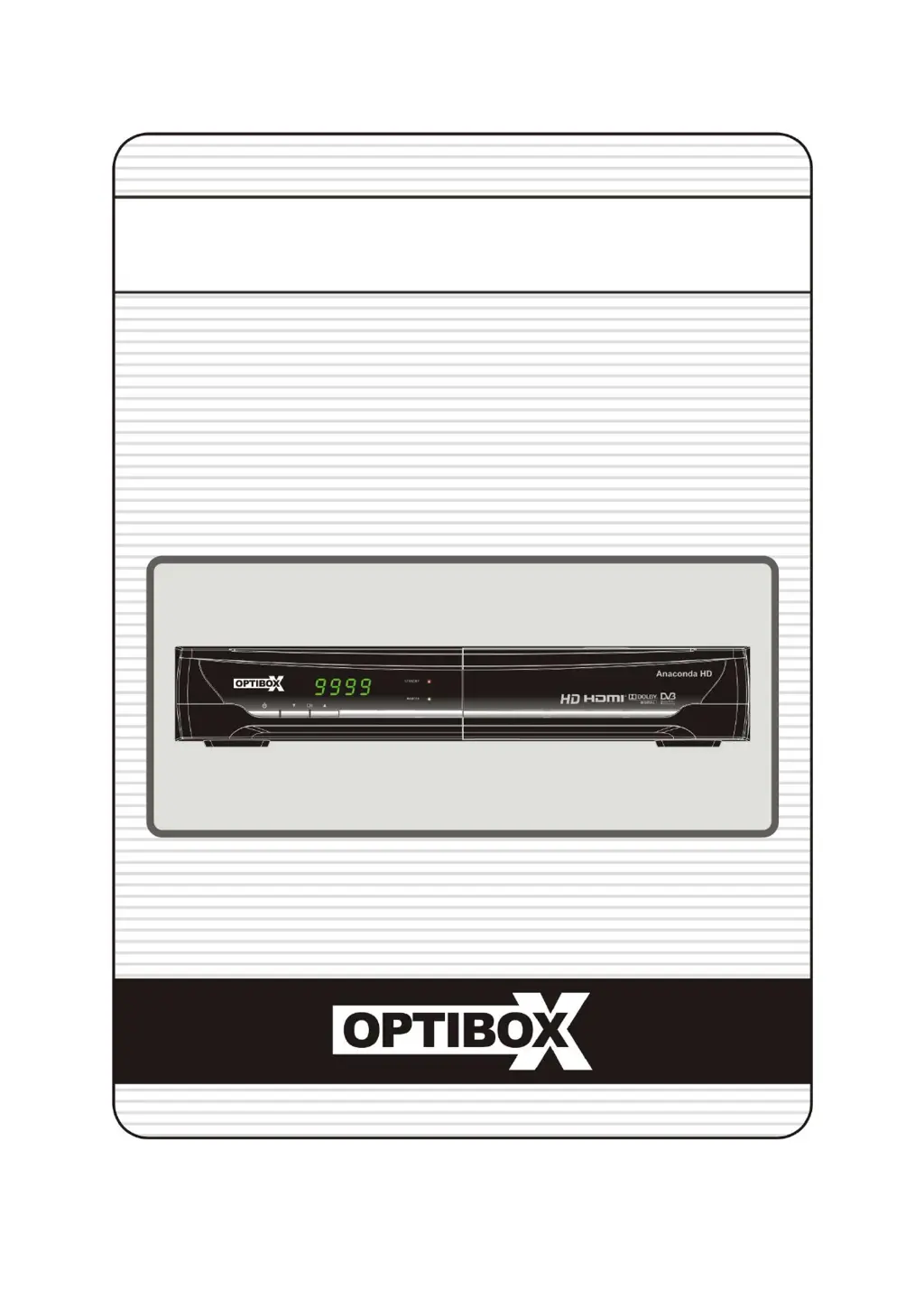
Full HD Digital Satellite Receiver
Digital Innovation Life
User's Manual
Anaconda HD

Questions and Answers

  • C
    Caleb KramerAug 11, 2025
    What to do if my Optibox Receiver has no picture?
    • R
      Roy DominguezAug 11, 2025
      If your Optibox Receiver displays no picture, try the following: * Refer to the troubleshooting steps for when the front panel displays no message. * Press the V.Format button to match your receiver's system with your TV (PAL/NTSC) until a picture appears. * Ensure the video output port is securely connected to your TV or VCR. * Select the correct video input on your TV. * Press the STB button on the remote to control the receiver. * Check the brightness level of your TV. * Verify your TV's supported resolution and adjust the receiver's resolution using the remote's Resolution button.
  • L
    Lisa HendrixAug 18, 2025
    Why does my Optibox Receiver remote control not operate?
    • R
      Robert PatrickAug 18, 2025
      If the remote control for your Optibox Receiver isn't working, ensure you are pointing it directly at the receiver. Check if the STB button lights up when you press any button on the remote. Also, check and replace the batteries in the remote.
  • D
    Dr. Jonathon AndersonAug 26, 2025
    How to fix no or bad signal on Optibox Receiver?
    • D
      Dr. Julie MoyerAug 26, 2025
      If your Optibox Receiver is showing no or bad signal, check the LNB and replace it if needed. Inspect the cable from the LNB and realign the dish if necessary. If using a DiSEqC 1.0 switch, ensure the LNBs are correctly connected and programmed to the switch. Also, check the ‘Signal Level’ and the ‘Signal Quality’.
  • S
    scottdavidSep 1, 2025
    How to troubleshoot Optibox Receiver that does not display any message on the front panel?
    • M
      Mr. Donald ChristensenSep 2, 2025
      To troubleshoot an Optibox Receiver that doesn't display any message on the front panel, check the main power cable to ensure it is properly plugged into a suitable power outlet. Also, verify that the main power switch at the rear of the receiver is turned ‘ON’.

Summary

Precautions

Important Safety Instructions

Essential guidelines for safe operation and handling of the device, including warnings and proper usage.

Before You Begin

Main Features

Highlights key capabilities and specifications of the digital satellite receiver.

Hardware Description

Front Panel Configuration

Details the layout and function of buttons, displays, and ports on the front of the receiver.

Remote Control Unit

Identifies and describes the function of each button on the provided remote control.

Connecting diagram

Connecting to Antenna Cable

Instructions on how to connect the satellite antenna cable to the receiver's LNB IN port.

Guide of Functions

Selecting a Service

Explains how to navigate and choose channels using buttons or the service list.

Electronic Program Guide (EPG)

Guide on accessing and using the EPG to view program schedules and detailed information.

PVR (Personal Video Recorder) Function

Recording

Covers methods for recording programs: instant, scheduled, and event-based.

Time Shifting

Details how to pause live TV and resume playback later, effectively time-shifting the broadcast.

Playback (Play List)

Instructions for playing back recorded files, music, and photo files from storage devices.

Troubleshooting

Specifications

Optibox Anaconda HD Specifications

General IconGeneral
HDTV CompatibleYes
Tuner TypeDVB-S2
Video DecodingMPEG-2, MPEG-4, H.264
EthernetYes
HDMIYes
CI SlotYes
Smart Card ReaderYes
TypeReceiver
ConnectorsHDMI, Ethernet
Audio DecodingMPEG-1, AAC
Video Resolution1080p
USBYes