11.
Maintenance
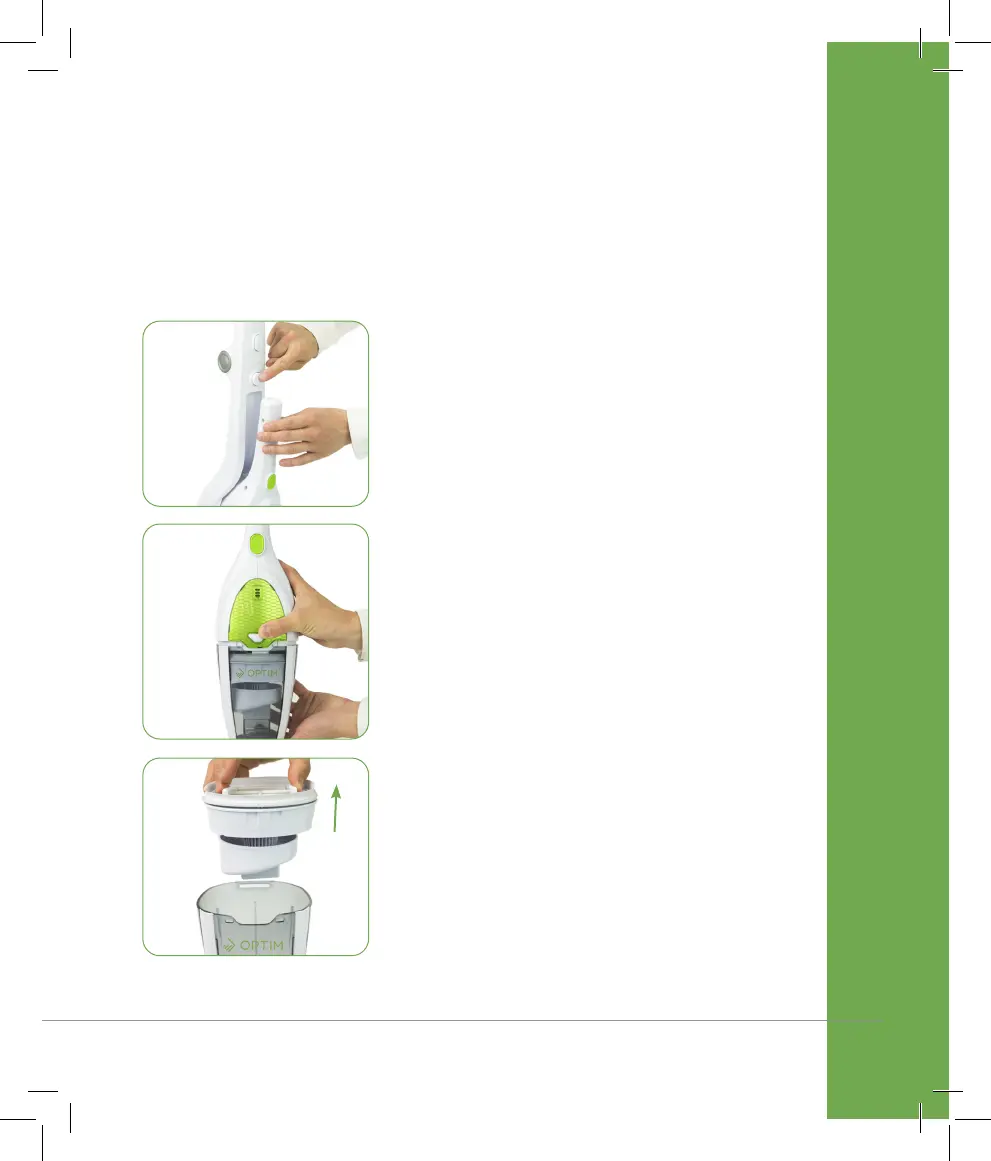
EMPTYING THE DUST BIN
1. Detach the handvac from the main
body by pressing the Handvac Release
Button.
2. Press the Dust Bin Release Button to
access the dust bin.
3. To empty the dust bin, remove the filter
and filter cone by pulling on the filter
tabs.
IMPORTANT! Always ensure that the cleaner is turned off before preforming
any maintenance.


 To Next Page