7
Manual ON / OFF mode H:01-04:
(The LED next to the letter “H” on the display will turn ON)
In this mode you will be able to turn any of the channels ON and OFF manually. Click the mode
button until you get to the “H” mode; select the channel you would like to control by clicking the
or button. Once you reach the desired channel, click the menu button and the display will
show the current mode for the selected channel H:On or H:OFF. To control the light connected
to that channel, click the button to turn it ON or the button to turn it Off. Once you are in
the ON or OFF mode and would like to control your next channel, just click the menu button and
you will be back at the channel control mode H:xx.
If you do not change any value in the ON or OFF mode for more than 30 seconds the unit will
return to the main menu H:xx
To exit back to the DMX mode just click the mode button.
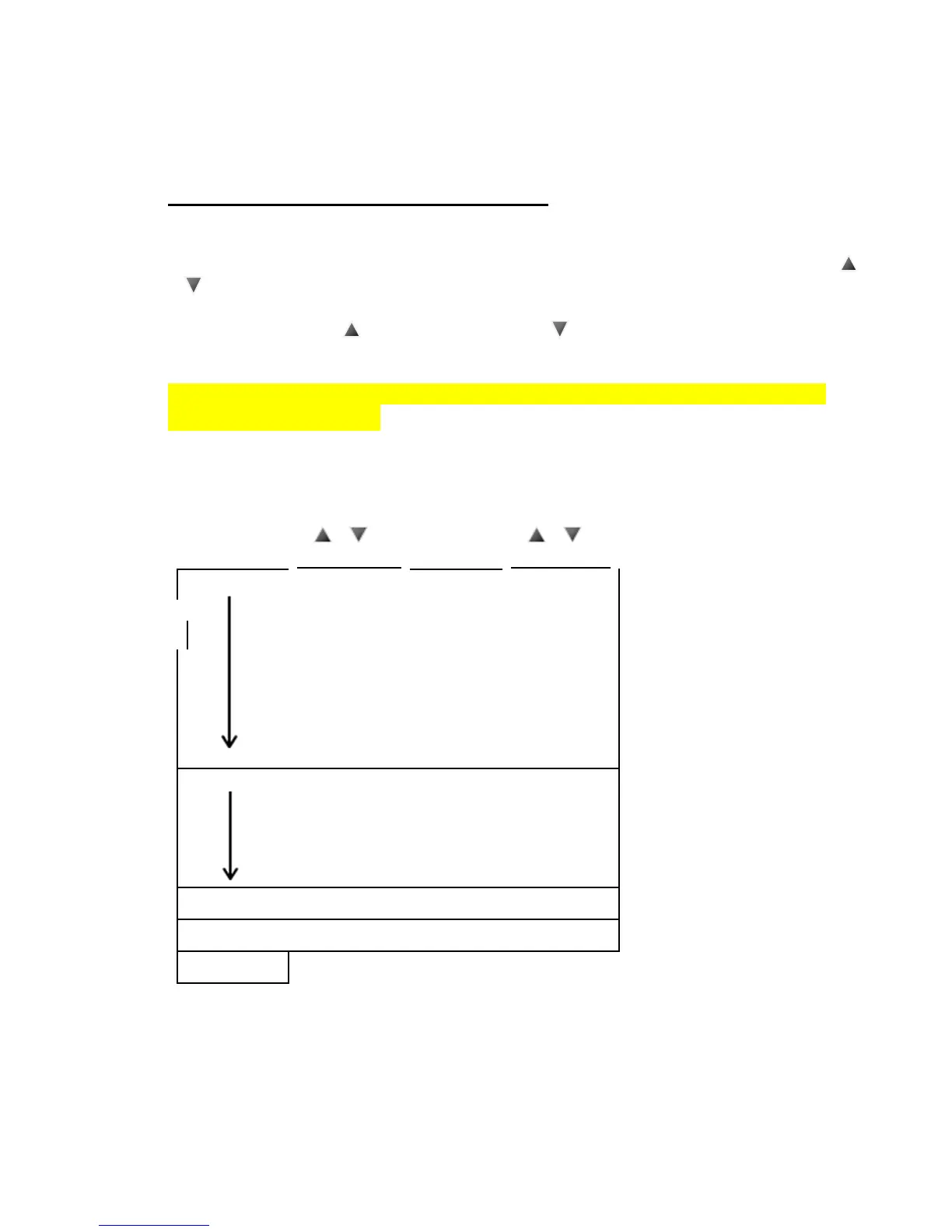
DISPLAY FLOW CHART


 To Previous Page