5
QUICKSTARTGETTINGTOKNOWYOUROPTIMUM9200A
1. Ensure blender power switch is in the “OFF” Position.
2. Plug the blender into mains power.
3. Place foodstu to be blended into jug, starting with liquids/softer ingredients and then
addsolids.
4. Attach the lid (with lid plug in place) onto the jug ensuring the lid is well sealed.
5. Correctly position the jug on the base.
6. Switch the blender’s power (ON/OFF) switch to the “ON” position.
7. Select the desired speed or time setting (thick contents should be blended on “FAST”).
8. When you have finished blending, switch o the blender using the ON/OFF switch.
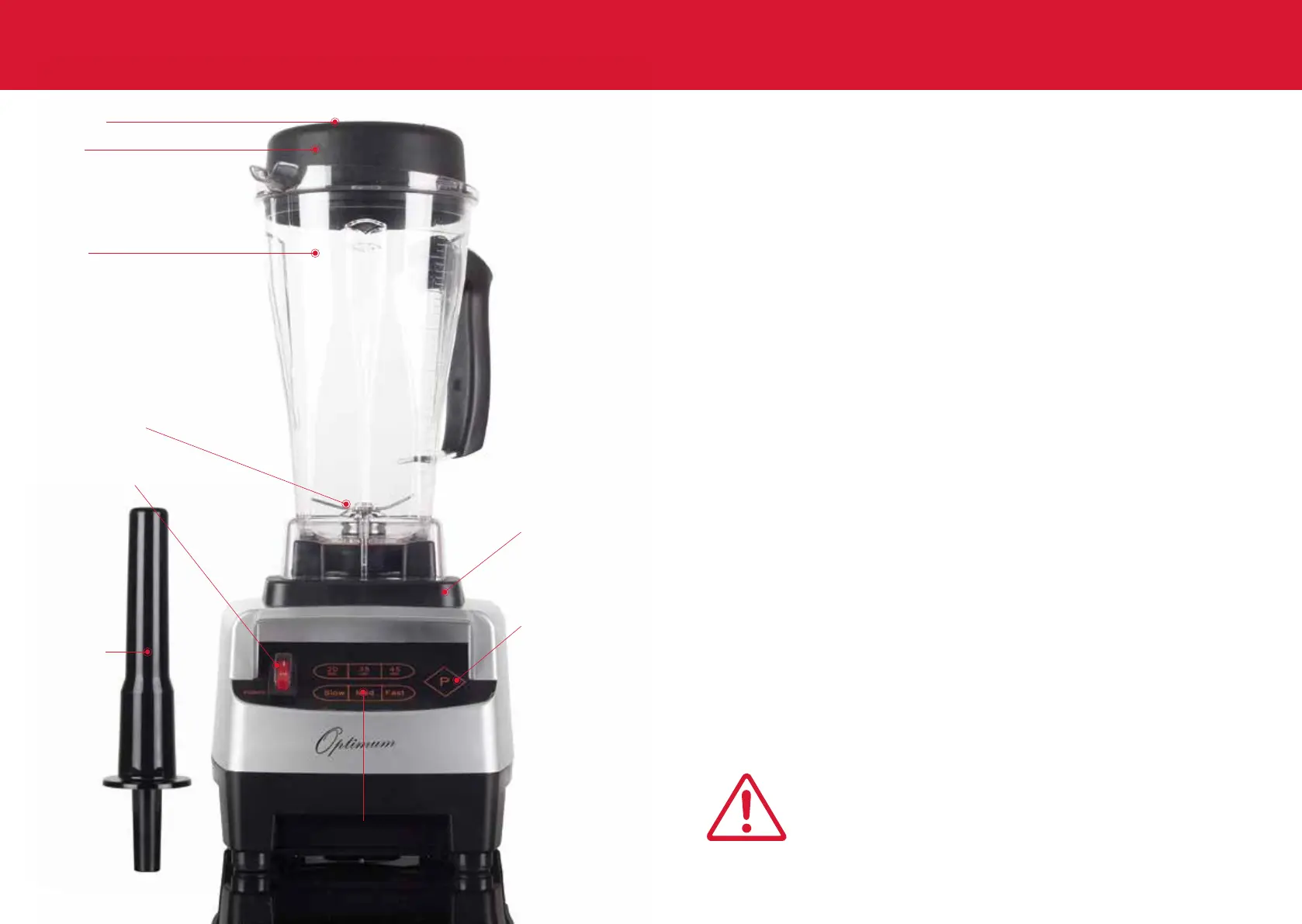
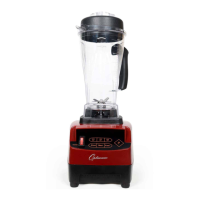
1. Lid plug
2. Lid
3. Jug
4. Blade assembly
5. Cushion pad
7. Pulse switch
6. On/O switch
8. Tamper
9. Control pad
4
DONOTFILLJUGABOVETHELIMITMARK.


 To Next Page