EasyManua.ls Logo

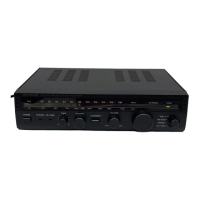
Optimus 31-3035 - User Manual

Optimus 31-3035
32 pages
Print Icon
To Next Page IconTo Next Page
Loading...
Digital Synthesiz
e
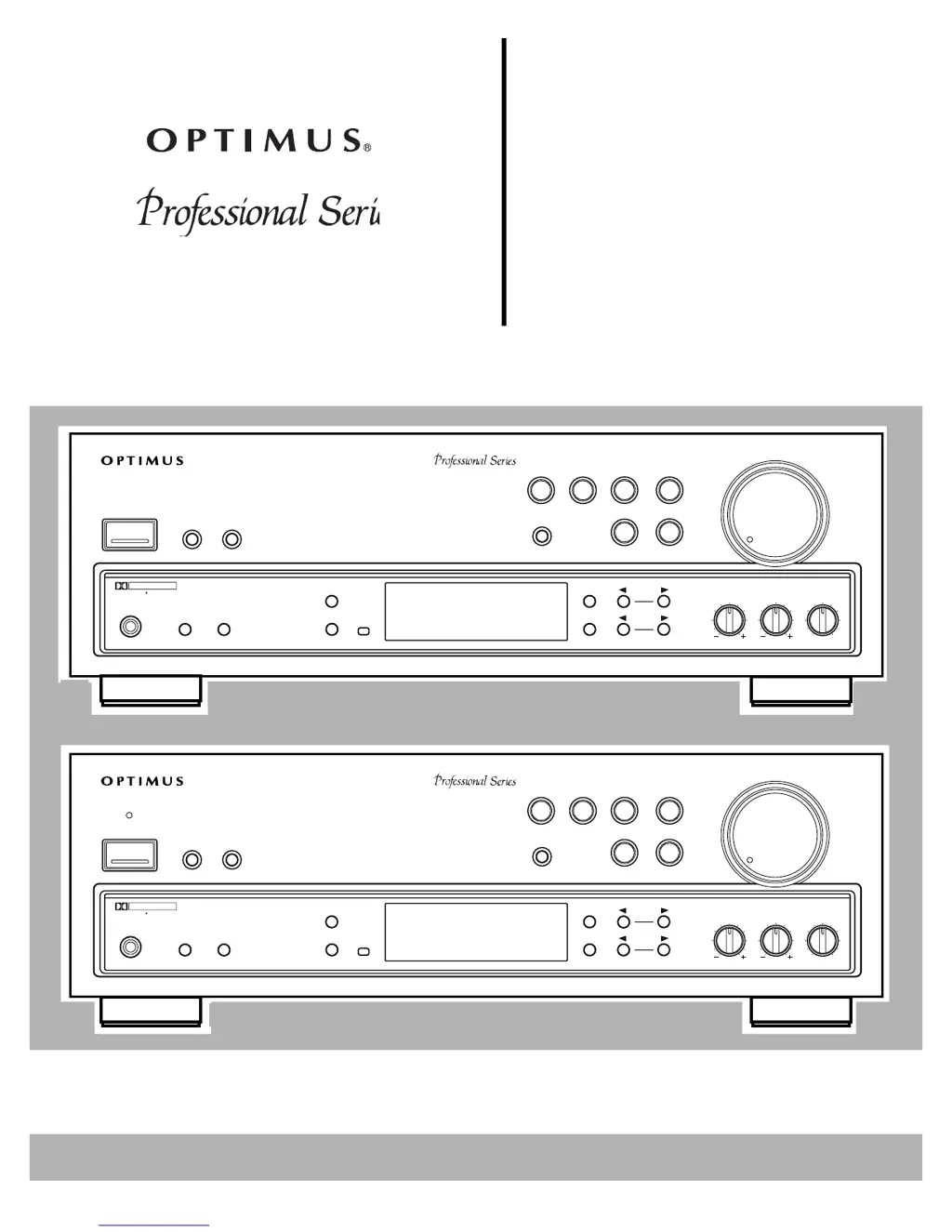
STAV-3560/3570
Cat. No.
31-3035/3036
Owner’s Manual
Please read before using this equipment.
Audio/Video
Surround Receiv
e
VOLUME
MIN MAX
BALANCE
L
R
TREBLE
BASS
STATION
TUNING
CLASS
FM/AM
FM MONO
MEMORY
SPEAKERS
AB
PHONES
POWER
SUPER
BASS
TAPE 2
MONITOR
TAPE 1
VCR
CD
LD/DVD
TUNER
PHONO
OSR
SFC
MODE
DOLBY
PRO LOGIC
4-CHANNEL
EQUAL POWER
OUTPUT
DOLBY SURROUND
P R O L O G I C
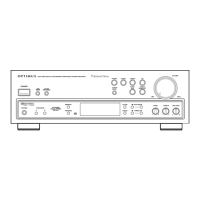
STAV-3560 DIGITAL SYNTHESIZED AUDIO/VIDEO STEREO RECEIVER
VOLUME
MIN MAX
BALANCE
L
R
TREBLE
BASS
STATION
TUNING
CLASS
FM/AM
FM MONO
MEMORY
SPEAKERS
AB
PHONES
POWER
CD
LD/DVD
TUNER
PHONO
OSR
SFC MODE
DOLBY
PRO LOGIC
4-CHANNEL
EQUAL POWER
OUTPUT
DOLBY SURROUND
P R O L O G I C
STAV-3570 DIGITAL SYNTHESIZED AUDIO/VIDEO STEREO RECEIVER
STAND BY
SUPER
BASS
TAPE 2
MONITOR
TAPE 1
VCR

Questions and Answers

  • L
    lsmithAug 12, 2025
    Why does my Optimus 31-3035 have no sound?
    • R
      Rebecca RayAug 12, 2025
      If your Optimus Stereo Receiver isn't producing any sound, consider these possible causes: * Incorrect connections: Double-check and correct all connections. * Mute function: Ensure the mute function is not activated by pressing the MUTING button. * Volume level: Make sure the volume isn't turned down; increase it. * Speaker wires: Verify that the speaker wires are securely connected. * Speaker selection: Confirm that either SPEAKERS A or B is selected by pressing the corresponding button.
  • M
    Mr. Michael Taylor DDSAug 16, 2025
    What to do if my Optimus 31-3035 Stereo Receiver power does not turn on?
    • B
      Brenda BurnsAug 16, 2025
      If your Optimus Stereo Receiver isn't powering on, here are a couple of things to check: * Power cord: Ensure the power cord is properly plugged in. * Protection circuit: If the protection circuit has been activated, unplug the power cord and then plug it back in.
  • J
    Jenny PatelAug 19, 2025
    Why is there a high noise level on my Optimus 31-3035 Stereo Receiver?
    • P
      Pamela BellAug 20, 2025
      A high noise level on your Optimus Stereo Receiver could be due to several reasons: * Incorrect tuning: Ensure the station is correctly tuned. Try tuning to a stronger station. * Antenna issues: Check that the antenna is connected properly. * FM antenna: If using an FM antenna, make sure both ends are stretched taut and reposition it for optimal reception. * AM loop antenna: Adjust the AM loop antenna. * External interference: The noise might be coming from another electrical appliance. Consider using an AC line noise filter.
  • J
    Jordan MorrisAug 23, 2025
    What to do if the Optimus 31-3035 remote does not control cassette deck or CD player?
    • J
      jeffrey04Aug 23, 2025
      If the remote is not controlling the cassette deck or CD player, consider the following: * Compatibility: This feature only works with Optimus Professional Series components. * Control cable: Ensure the control cable is properly connected. * Audio cables: Properly connect the audio cables.
  • L
    Laura TurnerAug 27, 2025
    What to do if my Optimus Stereo Receiver does not respond to button presses?
    • F
      fmyersAug 27, 2025
      If your Optimus Stereo Receiver isn't responding to button presses, it might be due to static discharge. Try unplugging the power cord, then plugging it back in. If static electricity is a recurring issue, use the remote control as much as possible.
  • C
    Christine BarnesAug 31, 2025
    What to do if there is no picture when selecting a video source on my Optimus Stereo Receiver?
    • C
      Clayton KhanAug 31, 2025
      If you're not getting a picture when selecting a video source on your Optimus Stereo Receiver: * Selected video source: Correct the problem with the selected video source. * Incorrect connections: Ensure that all video connections are correct.
  • C
    Carrie FreySep 3, 2025
    Why does tuning not automatically stop when searching for FM stations on my Optimus 31-3035 Stereo Receiver?
    • F
      Frances KhanSep 4, 2025
      If the tuning doesn't automatically stop when searching for FM stations, the stations might be too weak. Consider using a better antenna.
  • A
    aclarkSep 7, 2025
    What to do if I cannot make copies of video tapes using my Optimus 31-3035 Stereo Receiver?
    • D
      Daniel ParkerSep 7, 2025
      If you cannot make copies of video tapes: * Copy restriction: The tapes may be protected by a copy restriction method, meaning you cannot make a good copy. * Video connections: Double-check and correct the video connections.

Summary

Introducing the Optimus STAV-3560;3570 Receiver

Key Features Overview

Lists core functionalities like power output, connections, and special sound options.

Important Safety Instructions

General Safety and Usage Guidelines

Covers cleaning, attachments, water, ventilation, power sources, and general handling.

Electrical Safety and Fire Prevention

Focuses on shock hazards, polarization, lightning protection, and overloading.

Preparing Your Receiver: Speaker Setup

Speaker Placement Guidelines

Provides advice on optimal speaker positioning for sound quality and stereo effect.

Preparing Your Receiver: Speaker Connections

Preparing Your Receiver: Speaker Types

Preparing Your Receiver: Audio Sources

Preparing Your Receiver: Video Sources

Preparing Your Receiver: Remote and Power

Preparing Your Receiver: AC Power

Basic Operation of the Receiver

Powering On and Speaker Selection

Covers turning the receiver on and selecting speaker outputs (A, B, or both).

Selecting Program Sources and Volume Control

Guides on choosing audio inputs and adjusting master volume.

Basic Operation: Radio Tuning

Basic Operation: Audio Features

Cassette Deck and VCR Functions

Video Cassette Operations

Advanced Sound Options

Surround Sound Modes Explained

Details Dolby Pro-Logic, Dolby 3CH Logic, Studio Effect, and Simulated Surround modes.

Sound Mode Adjustments

Center Mode and Test Tone Settings

Explains center channel modes (Normal, Wide, Phantom) and using the test tone feature.

Adjusting Speaker Levels and Delay Time

Guides on setting center/rear speaker levels and adjusting delay time for surround effects.

Using the Remote Control

Remote Control Operation Basics

Covers remote range, basic button functions, and the AUDIO SURROUND switch.

Receiver;Amplifier Control Functions

Details remote buttons for source selection, volume, sound modes, and other receiver operations.

Remote Control for External Devices

Troubleshooting and Factory Reset

Common Receiver Problems and Solutions

Lists issues like no power, no sound, or tuning problems with their respective solutions.

Returning Controls to Factory Defaults

Instructions for resetting receiver settings to their original factory defaults.

Technical Specifications: Amplifier

Technical Specifications: Tuner

Optimus 31-3035 Specifications

General IconGeneral
BrandOptimus
Model31-3035
CategoryStereo Receiver
LanguageEnglish

Related product manuals