7
藍芽配對
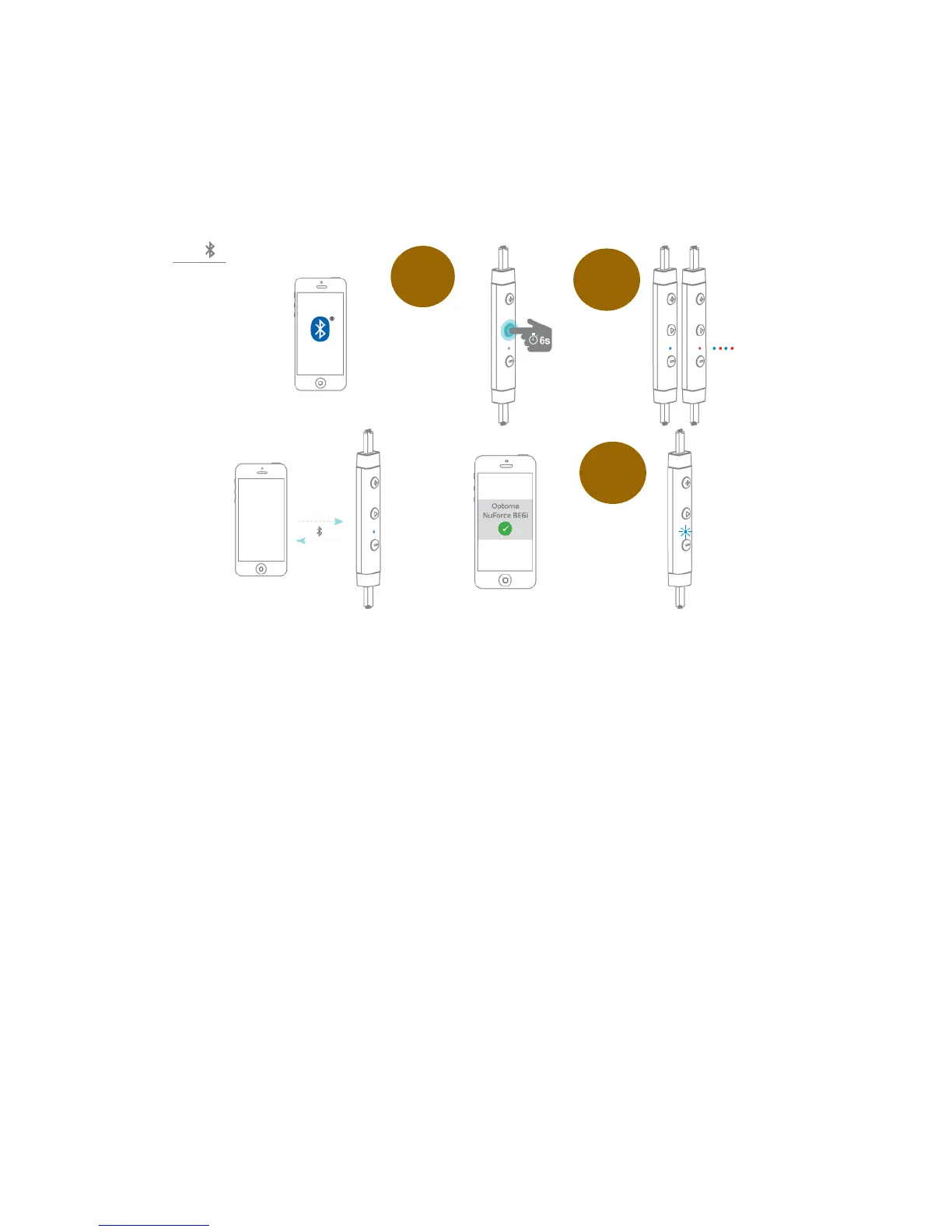
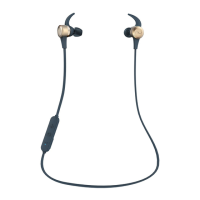
將 BE6i 與訊源裝置進行藍芽配對, 步驟如下:
1. 長按電源開關/功能鍵 6 秒, LED 藍燈, 紅燈交錯閃爍時, BE6i 進入配對模
式..
2. 開啟訊源裝置上的藍芽(
Bluetooth
® ) 功能, 在配對裝置列標中選取
“Optoma NuForce BE6i”.
說明: 訊源裝置的藍芽操作, 請參照該裝置的使用手冊.
3. 當 BE6i 與訊源裝置成功配對後, BE6i 的 LED 開始間隔顯示藍燈, 同時當 BE6i
語音功能啟動時, 您將聽到英文發聲 “Primary device connected”,或是提示音
(當語音功能關閉).



 To Next Page