25
English
User Controls
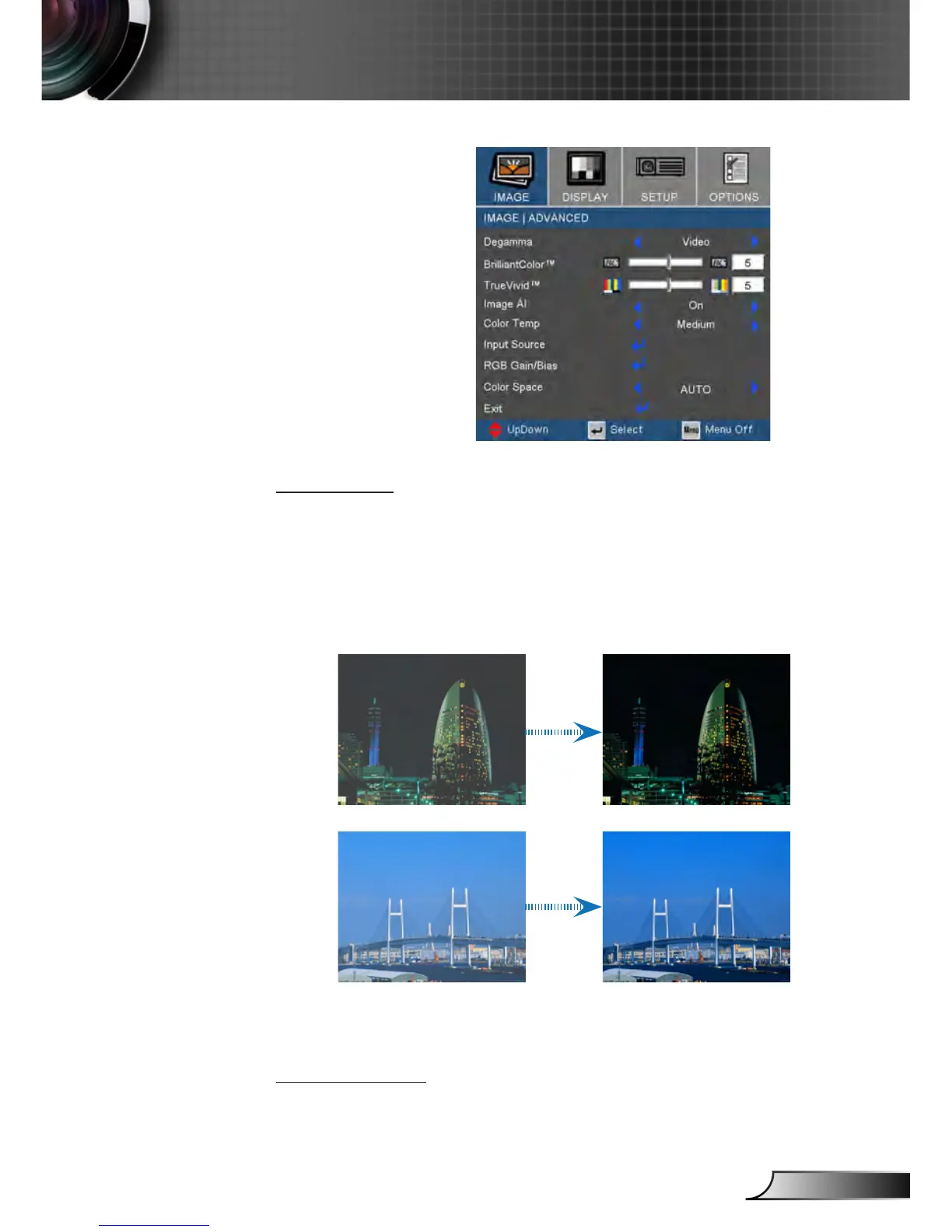
Image | Advanced
Image AI
Image AI improves the contrast of the picture by optimizing the
brightness of the lamp according to the picture content.
On: The dynamic image performance manager is active in
making sure your greatest pleasure from seeing a movie
dynamically with the most dark details revealed, vivid and
bright image performed all the way.
Off: The dynamic image performance manager is on standby.
Color Temp.
Adjust the color temperature. With cold temperature, the screen
looks colder; with Warm temperature, the screen looks warmer.



 To Next Page