EasyManua.ls Logo

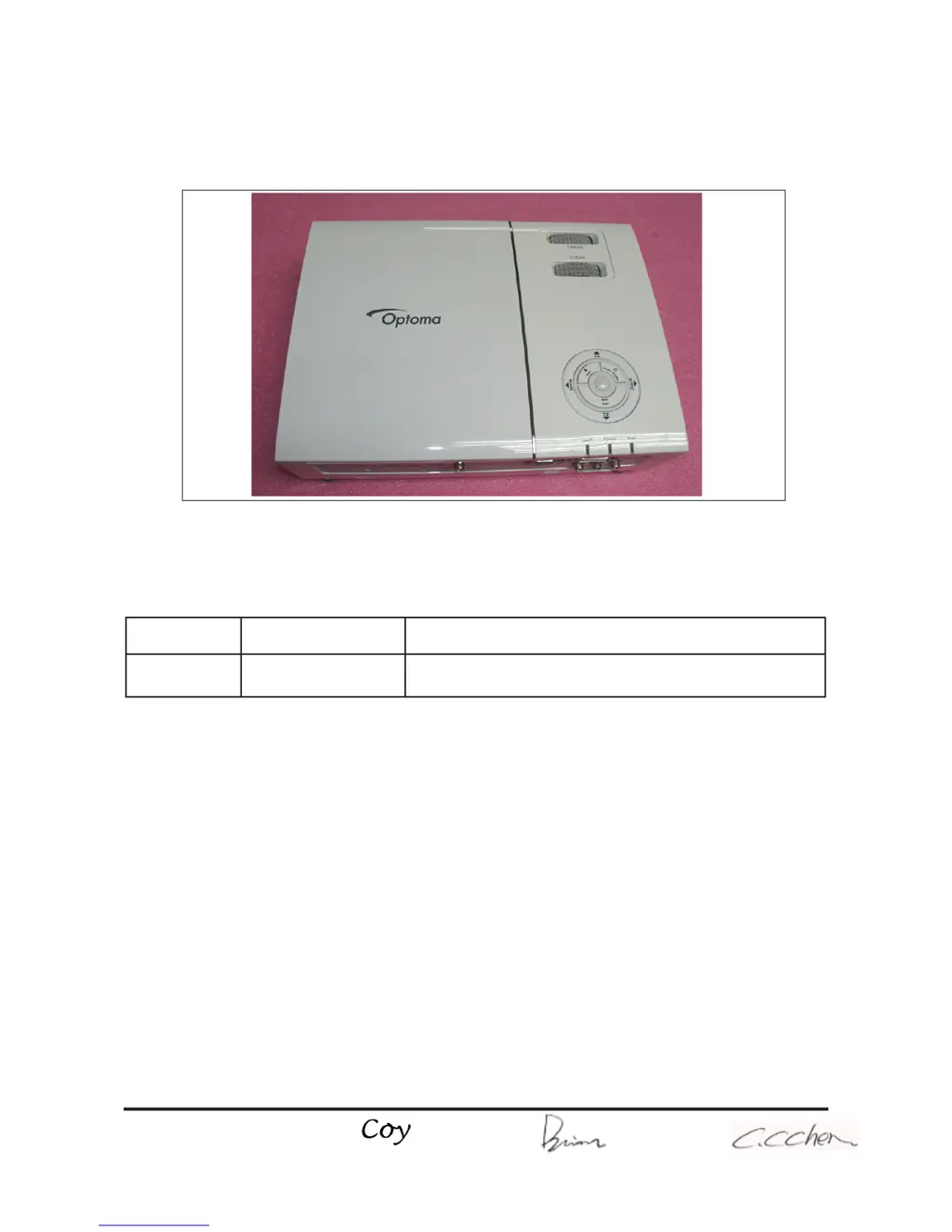
Optoma HD710 - User Manual

Optoma HD710
91 pages
Print Icon
To Next Page IconTo Next Page
Loading...
SERVICE MANUAL
SI : TSE: Check: Approved:
Date Revise Version Description
2008/2/3
V1.0 Initial Issue
HD71/HD710/HD75
Copyright February.2008. All Rights Reserved P/N: 36.8AE03G001
95.8AE01G00A ; 95.8AE01G019 ; 95.8AE01G001; 95.8AE01GC0A ; 95.8AE01GC0B ;
95.8AE01GC0C ; 95.8AE01GC0H ;95.8AE01GC0J ; 95.8AE01GC0L; 95.8AE01GC0T ;
95.8AE01GC1A ; 95.8AE02G019 ; 95.8AE02GC0E ; 95.8AE02GC0K
Corrine

Questions and Answers

  • P
    pfisherAug 19, 2025
    What to do if my Optoma HD710 shows no image?
    • B
      Brianna SolisAug 19, 2025
      If your Optoma Projector displays no image, ensure the signal cable and source are working. If you're using multiple sources, switch between them using the 'Source' button on the control panel. Also, ensure all connectors are securely connected and not broken. You may need to check the Main Board, Component Board (Component Video only), DMD Board, DMD Chip, and Engine Module.
  • K
    Kenneth ReedAug 21, 2025
    How to fix image flicker on my Optoma HD710 Projector?
    • P
      Pamela OdonnellAug 21, 2025
      To resolve image flickering on your Optoma Projector, first, perform a 'Reset(All data)' in the OSD Menu. Ensure the signal cables and source are working correctly. If the issue persists, check the Lamp Module, Color Wheel, DMD Board, and Main Board.
  • C
    clarksabrinaAug 25, 2025
    How to troubleshoot an Optoma Projector that has no power?
    • N
      normathompsonAug 25, 2025
      If your Optoma Projector isn't powering on, make sure the power cord and AC power outlet are securely connected. Also, check the lamp cover and interrupt switch. Ensure all connectors are securely connected and not broken. You may also need to check the Lamp Driver, LVPS, and Main Board.
  • A
    Adam AlvaradoAug 26, 2025
    Why does my Optoma Projector automatically shut down?
    • K
      kevindavisAug 27, 2025
      An Optoma Projector might automatically shut down due to several reasons: * **Lamp LED Light:** Check the lamp and lamp driver, and the main board. * **Temp LED Light:** Check the thermal switch and fan. * **Color Wheel:** Check the color wheel and photo sensor.
  • R
    Ricky JohnsonAug 28, 2025
    How to correct abnormal color display on Optoma HD710 Projector?
    • A
      Adam MarshAug 28, 2025
      To correct abnormal color display on your Optoma Projector, first, try performing a 'Reset(All data)' in the OSD Menu. If that doesn't work, adjust the Color Wheel Index. If the problem continues, you may need to check the Main Board, DMD Board, and Color Wheel.
  • J
    Jerry MckinneyAug 30, 2025
    What causes an Optoma HD710 to have no light?
    • J
      Joshua WilliamsAug 30, 2025
      If your Optoma Projector has no light, ensure all connectors are securely connected and not broken. Check the Lamp Module, Lamp Driver, LVPS, and Main Board.
  • D
    Danielle WebbSep 1, 2025
    What to do if Remote Control or Control Panel Failed on Optoma Projector?
    • S
      silvakaylaSep 1, 2025
      If the remote control or control panel on your Optoma Projector fails, check the following: * **Remote Control:** Check the battery, the remote controller itself, and the IR receiver. Also, check the Main Board. * **Control Panel:** Check the FPC and keypad. Also, check the Main Board.
  • A
    Aaron BatesSep 3, 2025
    How to troubleshoot audio issues on an Optoma Projector?
    • M
      Matthew WeaverSep 3, 2025
      To troubleshoot audio issues on your Optoma Projector, ensure the signal cables and source are working correctly. Clean the Speaker Module. If problems persist, check the Audio Board and Main Board.
  • K
    kristina13Sep 6, 2025
    Why is my Optoma HD710 displaying a garbage image?
    • R
      Richard LaneSep 6, 2025
      If your Optoma Projector is displaying a garbage image, ensure that the signal cables and source work as well. If the issue persists, check the Main Board and DMD Board.
  • K
    Kimberly LopezSep 7, 2025
    How to fix poor uniformity or shadows on my Optoma Projector's image?
    • M
      Michael StewartSep 8, 2025
      To fix poor uniformity or shadows on your Optoma Projector's image, ensure the projection screen is free of dirt and the projection lens is clean. Make sure the brightness is within specification. Also, check rod alignment and the Engine Module.

Optoma HD710 Specifications

General IconGeneral
BrandOptoma
ModelHD710
CategoryProjector
LanguageEnglish

Related product manuals