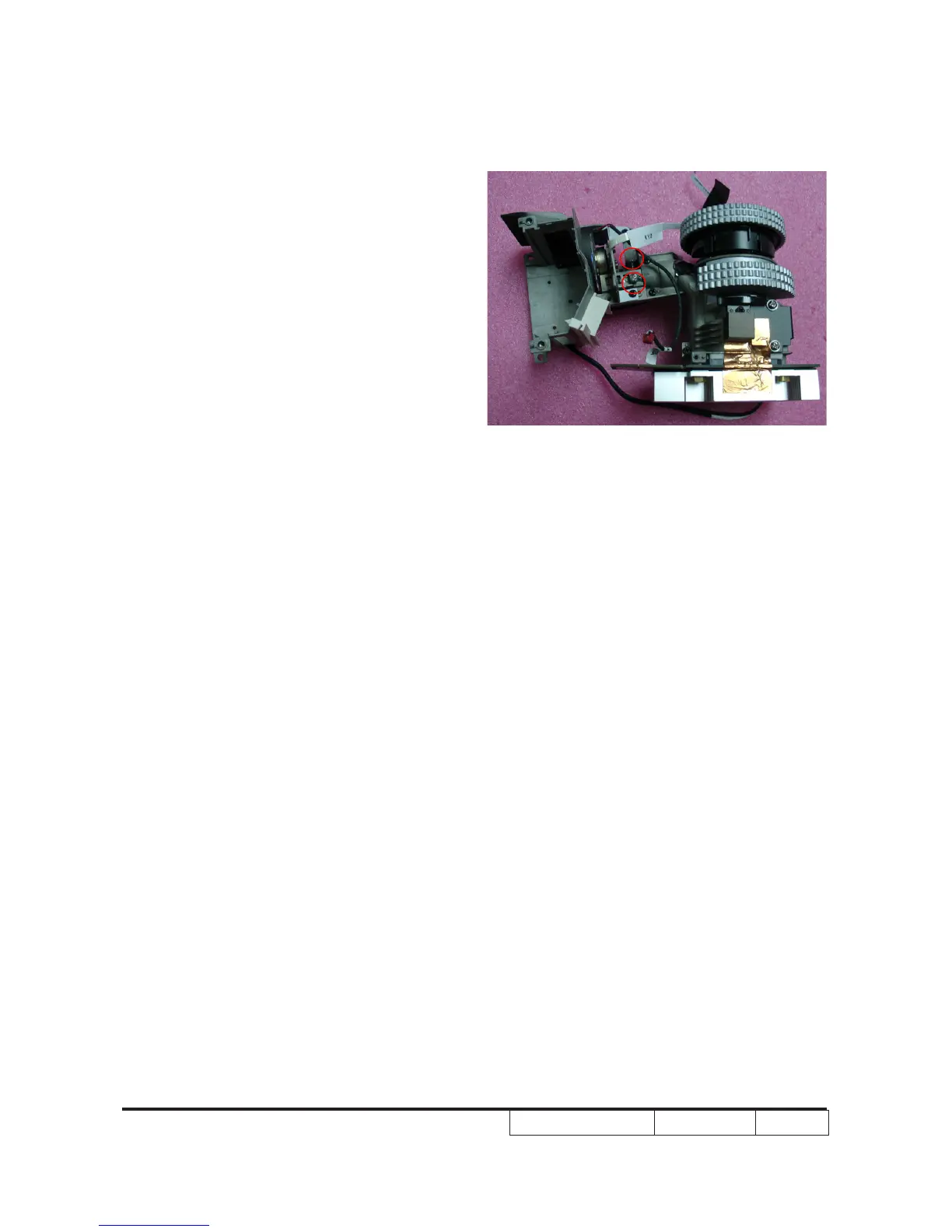
2-25 Rod Adjustment
1. Environment adjustment
- The distance between the engine and the
screen is 2.06M
- This process should be done at a dark
environment. (under 5 Lux)
2. Procedure adjustment
- Change the screen to “white screen.”
- Adjust the screws by using the rod on the
engine module to readjust the image.
(adjust until the yellowish or bluish parts
disappeared.)
3. Abnormal image inspection
- It should not have any abnormal color at
the rim of the image by estimating through
the eyes.
Note: - To avoid over adjust the rod.
- “Screw 1” should be adjusted rst,
and then adjust the “Screw2”.
After the opration,please use the
glue to xed the screws.
Screw 1
Screw 2



 To Next Page