5-3 USB Driver Upgrade Procedure
1. Set up
- Plug in Power cord to projector.
- Connect the Projector with PC by USB cable.
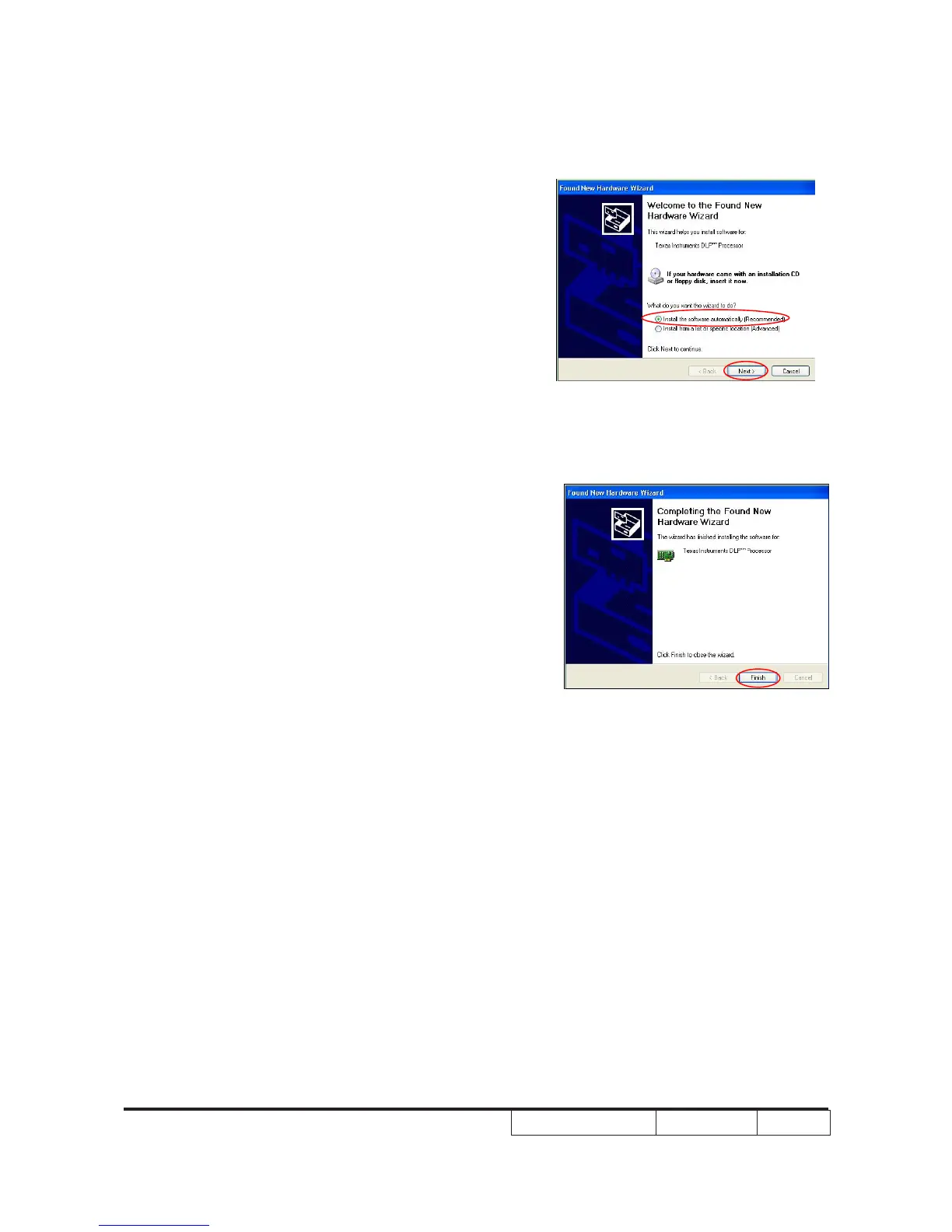
- It will show as the right picture.
- Select the item as red circle show.
- Click "Next" button.
2. Installation
- Cilck “Finish“ and then the USB driver
has been set up successfully.



 To Next Page