4-5 Test Inspection Procedure
Charge parts/
Update
M/B FW Color Wheel Lamp Module
Version Update v v
Color Wheel Index v v
PC
Calibration
YPbPr
Calibration
Reset lamp hour v
OSD Reset v v
EDID v
Re-write Lamp
Hour Usage
v
4-6 PC MODE
1. Frequency and tracking boundry
Procedure - Test equipment: video generator.
- Test signal: analog 1280 x 720@60Hz
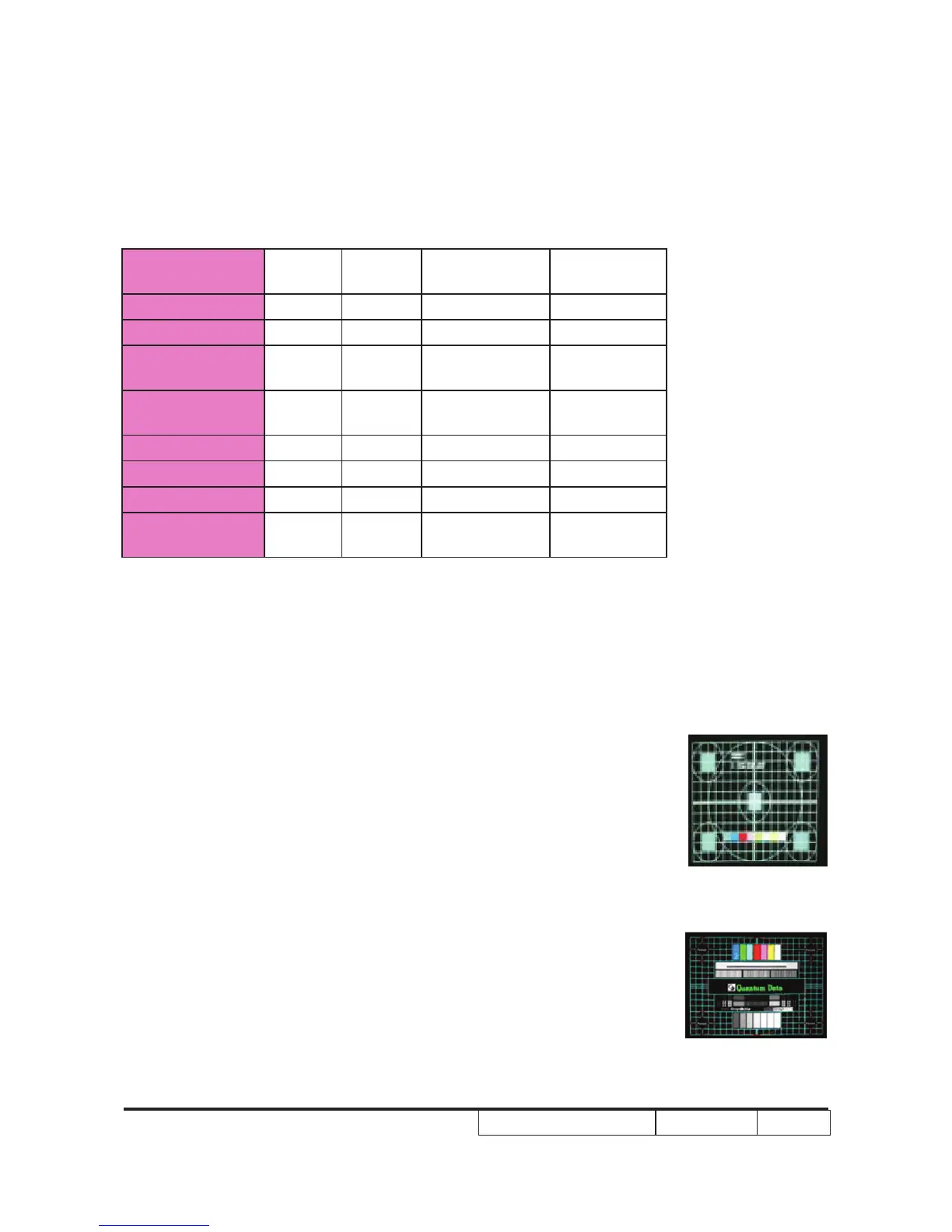
- Test Pattern: general-1 or master
- Check and see if the image sharpness is well-per-
formed.
- If not re-adjust by the following steps:
(1) Select "Frequency" function to adjust the total
pixel number of pixel clock in one line period.
(2) Select "Tracking" function and use right or left
arrow key to adjust the value to minimize video
icker.
- Adjust Resync or Frequency/Tracking/H. Position/V.
Position to the inner screen.
Inspection item - Eliminate visual wavy noise by Rsync, Frequency or
Tracking selection.
General-1
Master



 To Next Page