EasyManua.ls Logo

Optoma HD710 - User Manual

Optoma HD710
91 pages
Print Icon
To Next Page IconTo Next Page
Loading...
SERVICE MANUAL
SI : TSE: Check: Approved:
Date Revise Version Description
2008/2/3
V1.0 Initial Issue
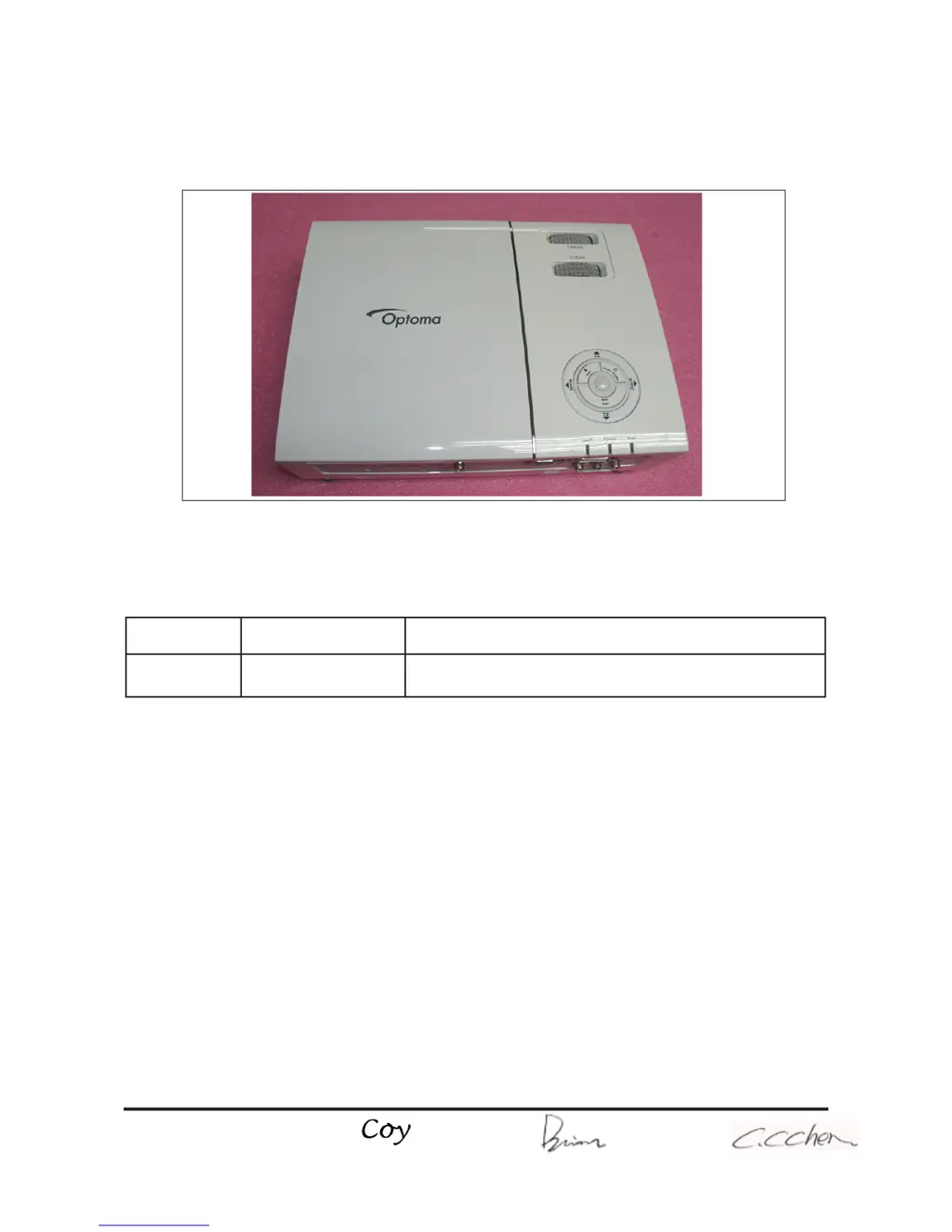
HD71/HD710/HD75
Copyright February.2008. All Rights Reserved P/N: 36.8AE03G001
95.8AE01G00A ; 95.8AE01G019 ; 95.8AE01G001; 95.8AE01GC0A ; 95.8AE01GC0B ;
95.8AE01GC0C ; 95.8AE01GC0H ;95.8AE01GC0J ; 95.8AE01GC0L; 95.8AE01GC0T ;
95.8AE01GC1A ; 95.8AE02G019 ; 95.8AE02GC0E ; 95.8AE02GC0K
Corrine

Questions and Answers

  • F
    feliciamirandaSep 10, 2025
    What to do if Optoma HD710 Projector functions abnormally?
    • U
      ujohnsonSep 10, 2025
      If your Optoma Projector functions abnormally, try performing a 'Reset(All data)' in the OSD Menu. If the issue persists, check the Main Board and DMD Board.
  • J
    Jeremy LamSep 12, 2025
    What causes mechanical noise in an Optoma Projector?
    • R
      Ronald NewmanSep 12, 2025
      Mechanical noise in your Optoma Projector can be caused by the Color Wheel or the Fan Module. Check these components to identify the source of the noise.
  • V
    Victor TaylorSep 14, 2025
    How to resolve line bar or line defects on an Optoma HD710?
    • H
      Hannah PetersonSep 14, 2025
      To resolve line bar or line defects on your Optoma Projector, check if the Main Board and the DMD Board are assembled properly. Also, check the Main Board, DMD Board, and DMD Chip.
  • M
    molinamichaelSep 16, 2025
    How to deal with dead pixels or dust on Optoma HD710 Projector?
    • G
      Gary EnglishSep 16, 2025
      To address dead pixels or dust issues on your Optoma Projector, ensure the projection screen is free of dirt and the projection lens is clean. You may also need to clean the DMD Chip and Engine Module. Additionally, check the DMD Chip and Engine Module.

Optoma HD710 Specifications

General IconGeneral
BrandOptoma
ModelHD710
CategoryProjector
LanguageEnglish

Related product manuals