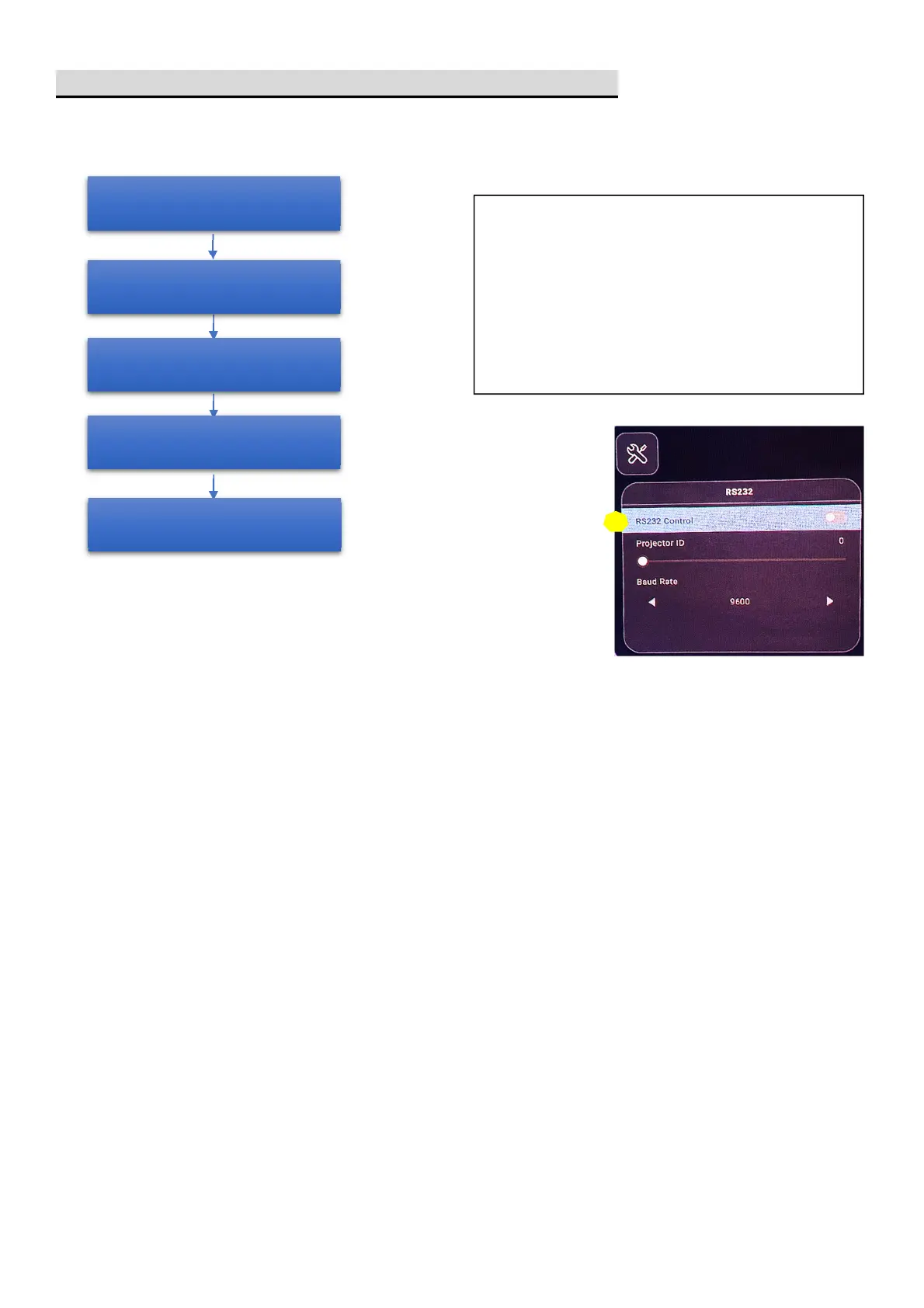
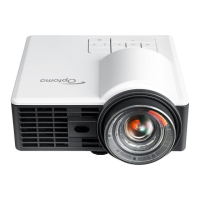
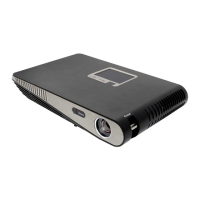
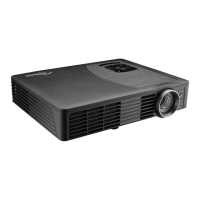
[Optoma L23 quick guide] RS232 mode- disable
1. POWER on the projector
2.Press hot key
POWER -> DOWN
-> RIGHT
-> MENU
5. Press BACK
to exit RS232 Control
mode
3. Enter RS232 control setting OSD
4. Set RS232 Control to OFF
Remark:
4. RS232 function is HIDE and DISABLE unless press hot key into
RS232 power control mode and set it to ON.
5. RS232 settings will be RESET after below conditions:
[Launcher] Settings/Device Preferences/Reset to Default
[Service menu] Factory Reset
[Service menu] Factory Reset(Quick)
6. RS232 settings will NOT be reset after below conditions:
[OSD] System/Reset All Settings
Reboot the projector



 To Previous Page