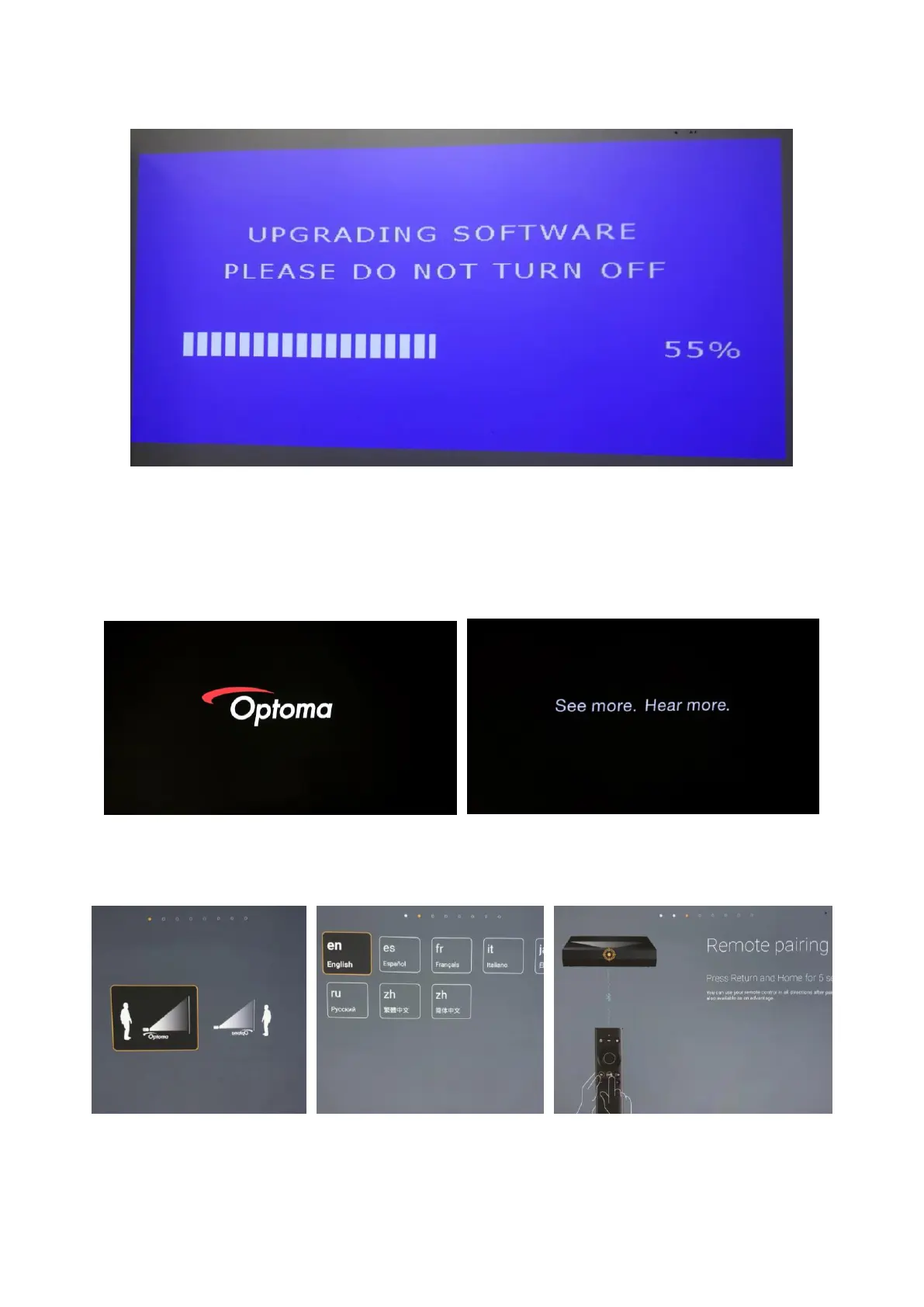
3. Turn on the projector and the system upgrade will start automatically.
4. (a) Unplug the USB flash drive when seeing the Optoma logo on the screen.
(Shown in the image on the left).
(b) Then the screen will show text “See more. Hear more.” for around two (2)
minutes to complete the upgrade. (Shown in image on the right)
5. Start setting up for the projector (Position/Language/Remote pairing/Network
connection, etc.)


 To Next Page