“PC-free” Presentations, Documents, Videos
& Photos
Ultra portable – 150” image fits into your pocket!
Create and show presentations using
Keynote app with the Apple iPad2
®
*
Read files directly from the on-board 1GB
memory or MicroSD Card up to 32GB*
Environmentally friendly LED technology -
No more lamps…ever!
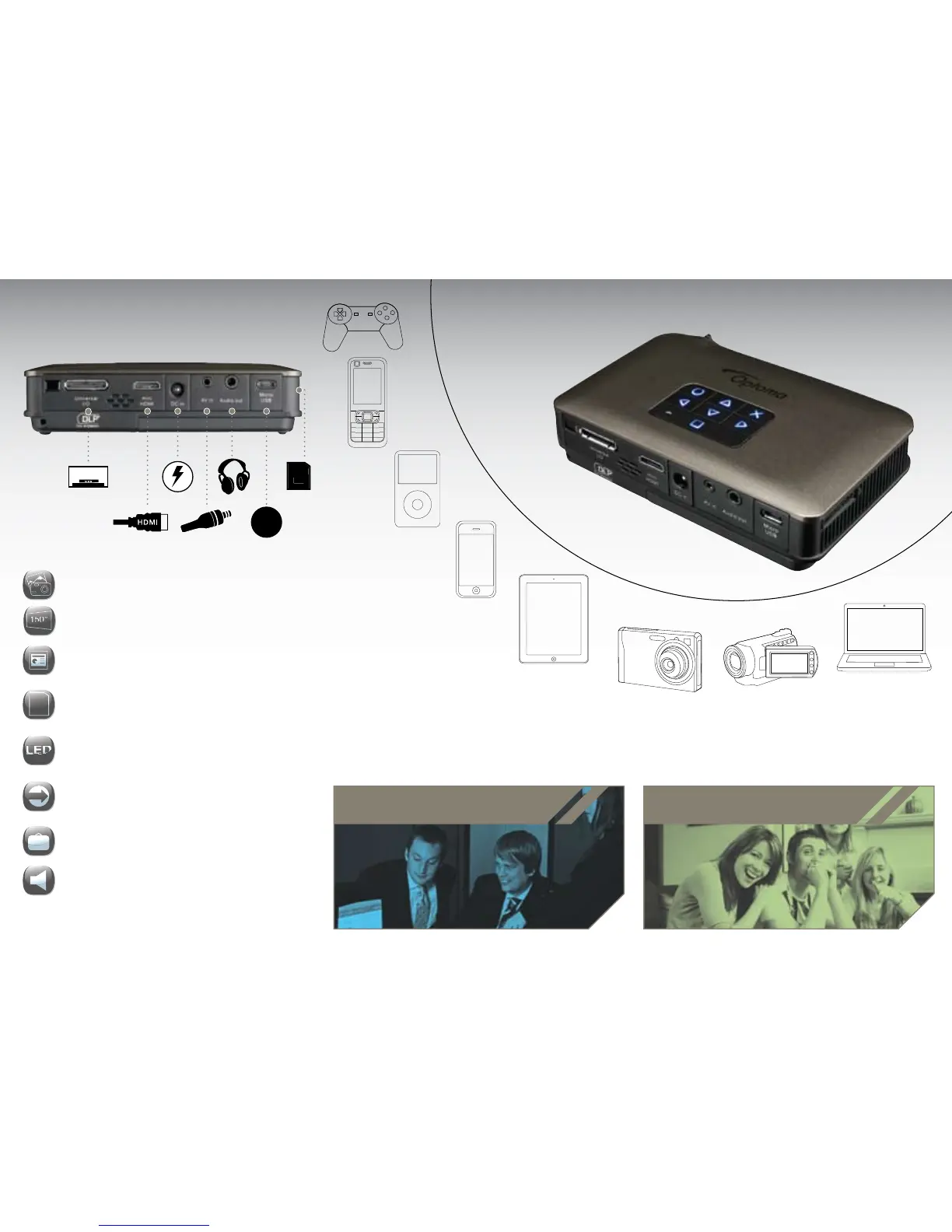
Easy connection to external sources - HDMI
& VGA connectivity
Project on the move - stylish carry
case included
Built-in speakers and headphone connection
Connect the PK320
to almost anything
* iPhone
®
, iPad
®
adaptor and MicroSD card not included.
ENTERTAINING
Your friends and family with multimedia entertainment.
WORKING
Show winning presentations using your Microsoft
®
PowerPoint, Word, or Excel office files.


 To Next Page
 Loading...