EN-66
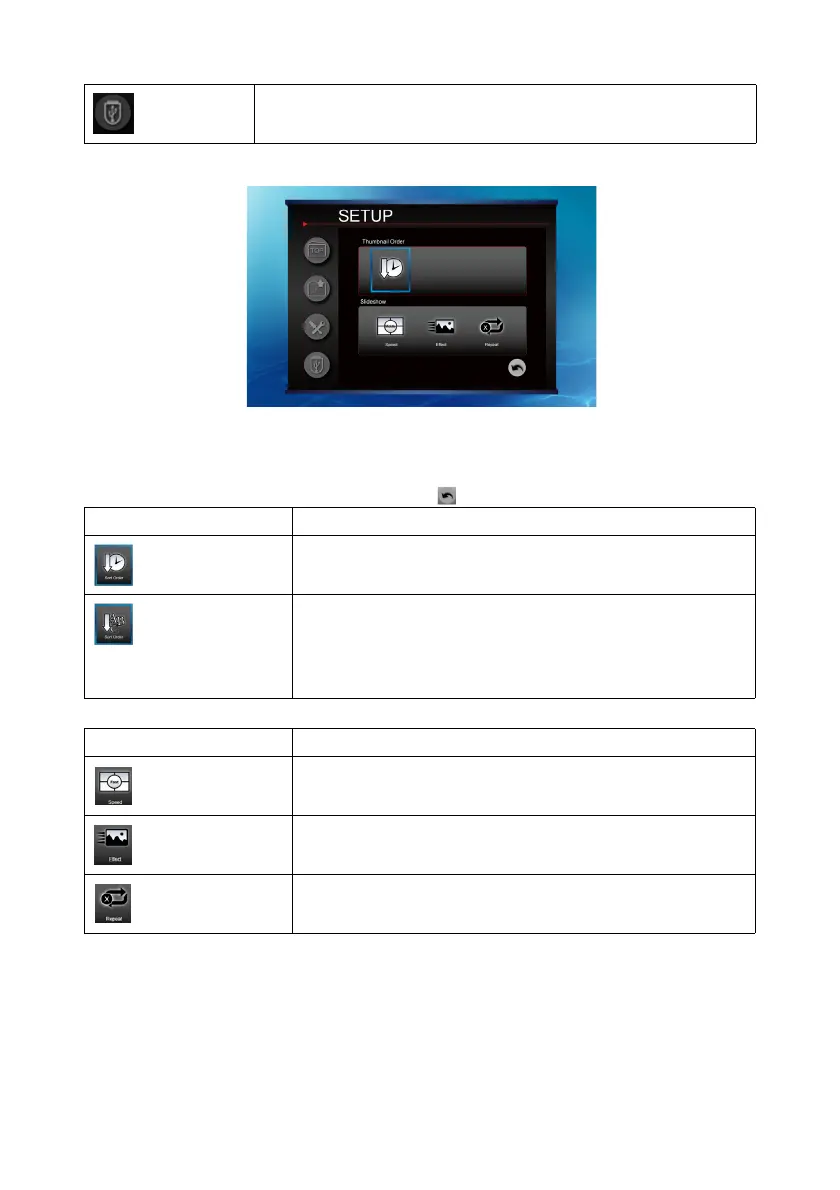
Setup function
Use the four directional arrow keys to highlight options.
Press “Enter” to switch the settings of the highlighted function.
Go back to thumbnail file, press .
Select another USB
Thumbnail Order Description
File order by time
Sort by recent update to past
File order by characters
It is sorted by first character of file name.
Folder (0-9,a-z,symbols)
Files (0-9,a-z,symbols)
Slidesow Description
Sets the time interval each image displays.
Sets the way the slide show is displayed.
Sets whether to repeat the slide shows.



 To Next Page