EasyManua.ls Logo

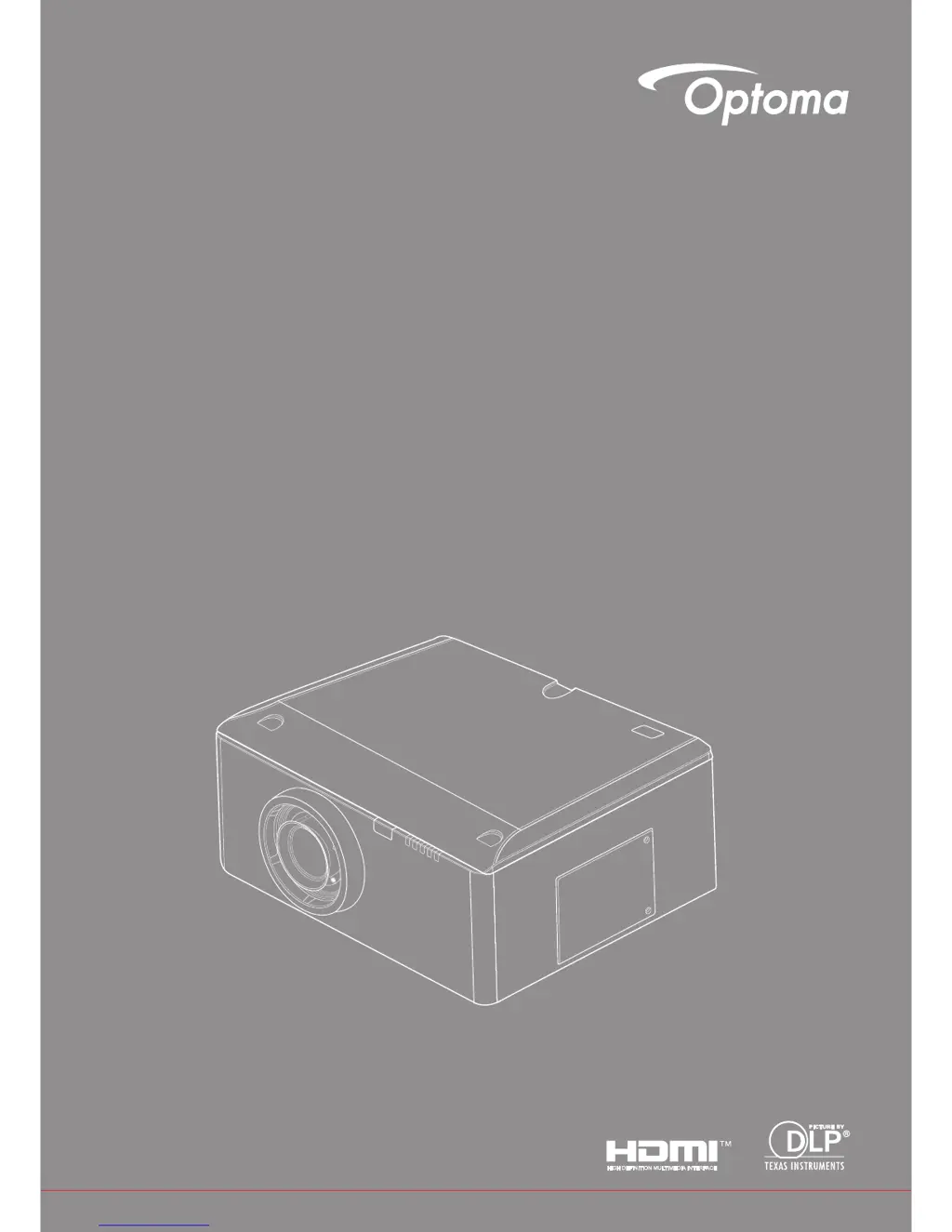
Optoma WU630 - User Manual

Optoma WU630
60 pages
Print Icon
To Next Page IconTo Next Page
Loading...
DLP
®
Projector
User manual

Questions and Answers

  • A
    asuarezAug 9, 2025
    Why does my Optoma WU630 Projector have no image on the screen?
    • M
      Marc GarzaAug 9, 2025
      If no image appears on the screen of your Optoma Projector, ensure all cables and power connections are correctly and securely connected. Also, check that the pins of the connectors are not crooked or broken. Verify the projection lamp is securely installed. Finally, make sure you have removed the lens cover and that the projector is switched on.
  • C
    Cheryl EstradaAug 22, 2025
    What to do if my Optoma WU630 image is partial, scrolling, or incorrectly displayed?
    • A
      angela23Aug 22, 2025
      If the image on your Optoma Projector is partial, scrolling, or incorrectly displayed, try the following: First, press the "SYNC" button on the control panel or remote. You can also try opening the “My Computer” icon, then the “Control Panel” folder, and double-clicking the “Display” icon to adjust settings. Verify that your display resolution setting is lower than or equal to UXGA (1600 x 1200). You might also try clicking on the “Advanced Properties”, then selecting the “Change” button under the “Monitor” tab. Next, click “Show all devices”, select “Standard monitor types”, and choose the resolution mode you need. Restarting all equipment, including the projector, can also help.

Summary

SAFETY

Precautions

Operational Safety Warnings

Lists critical safety warnings regarding electrical shock, disassembly, lamp handling, and laser pointer usage.

INTRODUCTION

Remote Control Functions

Details the functions of each button on the projector's remote control for user operation.

INSTALLATION

Projector Lens Installation

Provides a step-by-step visual guide for installing the projector lens.

Powering the Projector On;Off

Details the procedures for powering on and off the projector, including startup, shutdown, and cooling cycles.

USER CONTROLS

APPENDICES

Troubleshooting Common Issues

Provides solutions for common projector problems, including image quality, connectivity, and operational failures.

Maintenance and Replacement Procedures

Details procedures for replacing the projector lamp and maintaining the filter, including safety precautions.

Optoma WU630 Specifications

General IconGeneral
Display TechnologyDLP
Resolution1920 x 1200 (WUXGA)
Light SourceLamp
Zoom TypeManual
Projection Size30 - 300 inches
Input Lag16 ms
I/O Connectors2 x HDMI, 1 x VGA, 1 x USB
HDMI VersionsHDMI 1.4
Lamp Life (Eco/Dynamic)4000 hours

Related product manuals