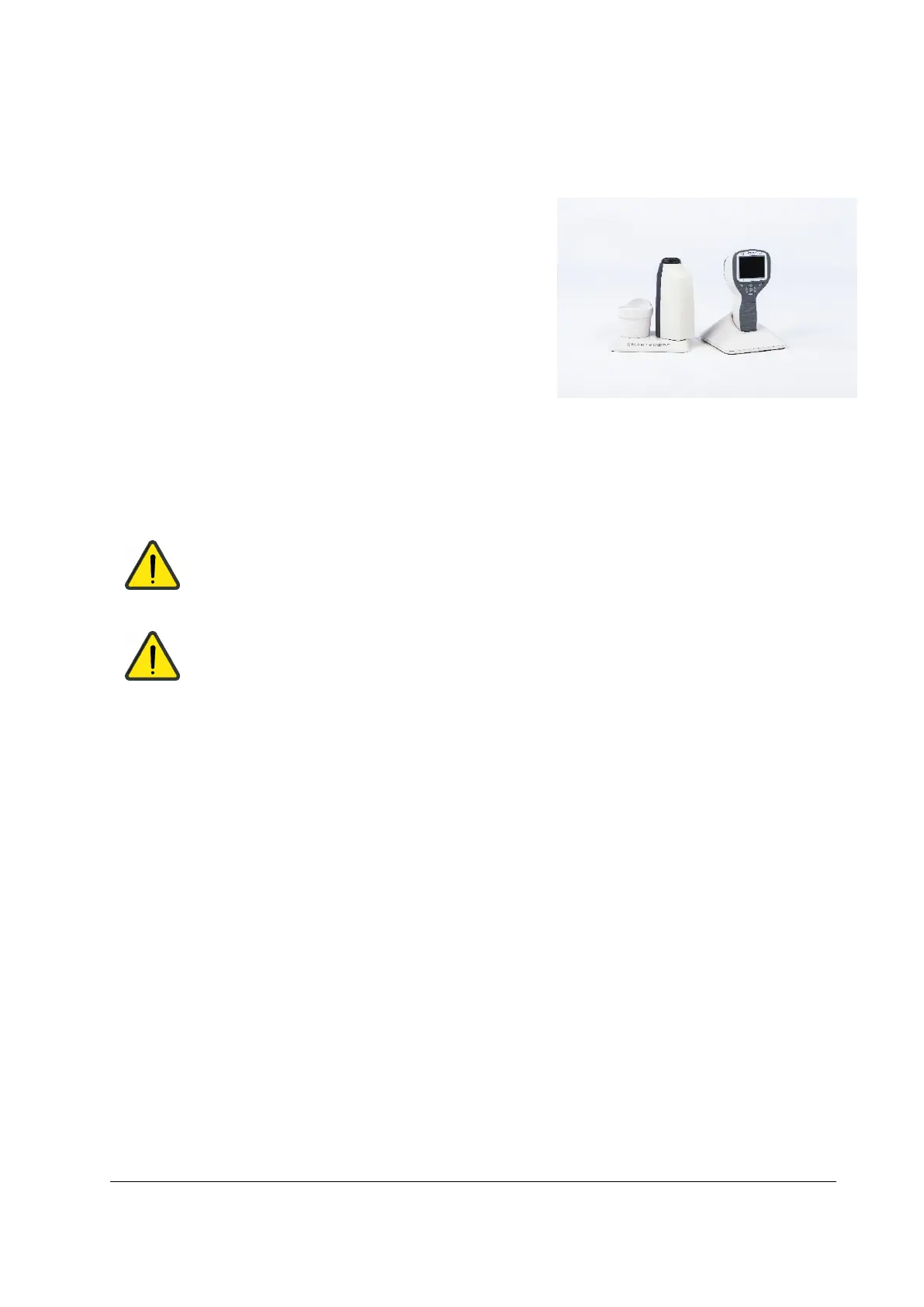
Quick start guide
WHAT TO DO BEFORE THE FIRST USE:
1. Remove Optomed Smartscope M5 from the sales
package and check that all parts are undamaged.
2. Install Battery as instructed in the Appendix B.
3. Place Cradle on a desk next to the PC (Personal
Computer).
4. Connect the USB cable to the PC.
5. Connect power unit to the wall plug (mains)
6. Place Optomed Smartscope M5 to the cradle. Battery
starts to charge. Charge battery for 4 hours before the
first use. When device is not used, it may be stored in
the Cradle.
7. Camera will not automatically power up in the cradle without the charger. User needs to press
the power button.
Guideline for placing the camera to the cradle:
Camera will fit to the cradle when it’s hold straight while placing it. Excessive force shall be
avoided in order to prevent the camera and cradle connectors from breaking.
Guideline for battery and device storage:
If battery is stored out of the camera for longer period of time, ensure that battery is fully
charged before storage. During storage battery shall be re-charged occasionally (e.g. every
3-9 months).
If battery is stored in the camera, camera shall be placed in the cradle with cradle power
cable connected.
Device is not allowed to be used when battery cover is open.
Normal battery life time is expected to be 1-2 years.



 To Next Page