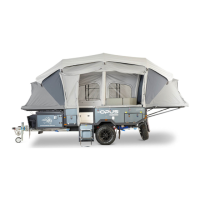
Switching on gas operation
Hot Water Service
opuscamper.com.au
14
Remove the cowl cover which
is located in driver side of the OPUS®.
Make sure the hot water system connected to gas.
Select water heater mode using the switch located
under driver side lounge.
Make sure pump switch turned on in the
main switch board.
The OPUS® is fitted with a hot water service
operated on gas or/and electricity. For faster
heating up period the appliance can be
simultaneously operatedwith gas and
electrical power.
IMPORTANT
Please refer to hot water system
user manual for instructions
OP 15 USER MANUAL | version 1.0



 To Next Page