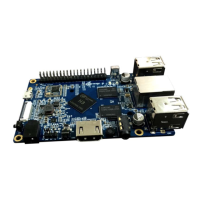
Orange Pi 2 User Manual Shenzhen Xunlong Software CO., Limited
www.orangepi.org www.xunlong.tv
How to Write an Android OS image to your TF card?
Android OS image can not use the dd command under the Linux nor the
Win32 Diskimager under Windows, you need to use PhoenixCard to make
the TF card.
(Note : If the laptop card slot can not burn the TF card, you can use the TF card
reader. )
1. Download the Android image and PhoenixCard.
Download PhoenixCard from:
https://drive.google.com/file/d/0B_VynIqhAcB7NTg2UkRDdHRWX2s/e
dit?usp=sharing
Download Android OS image from:
http://www.orangepi.org/downloaded/download.html
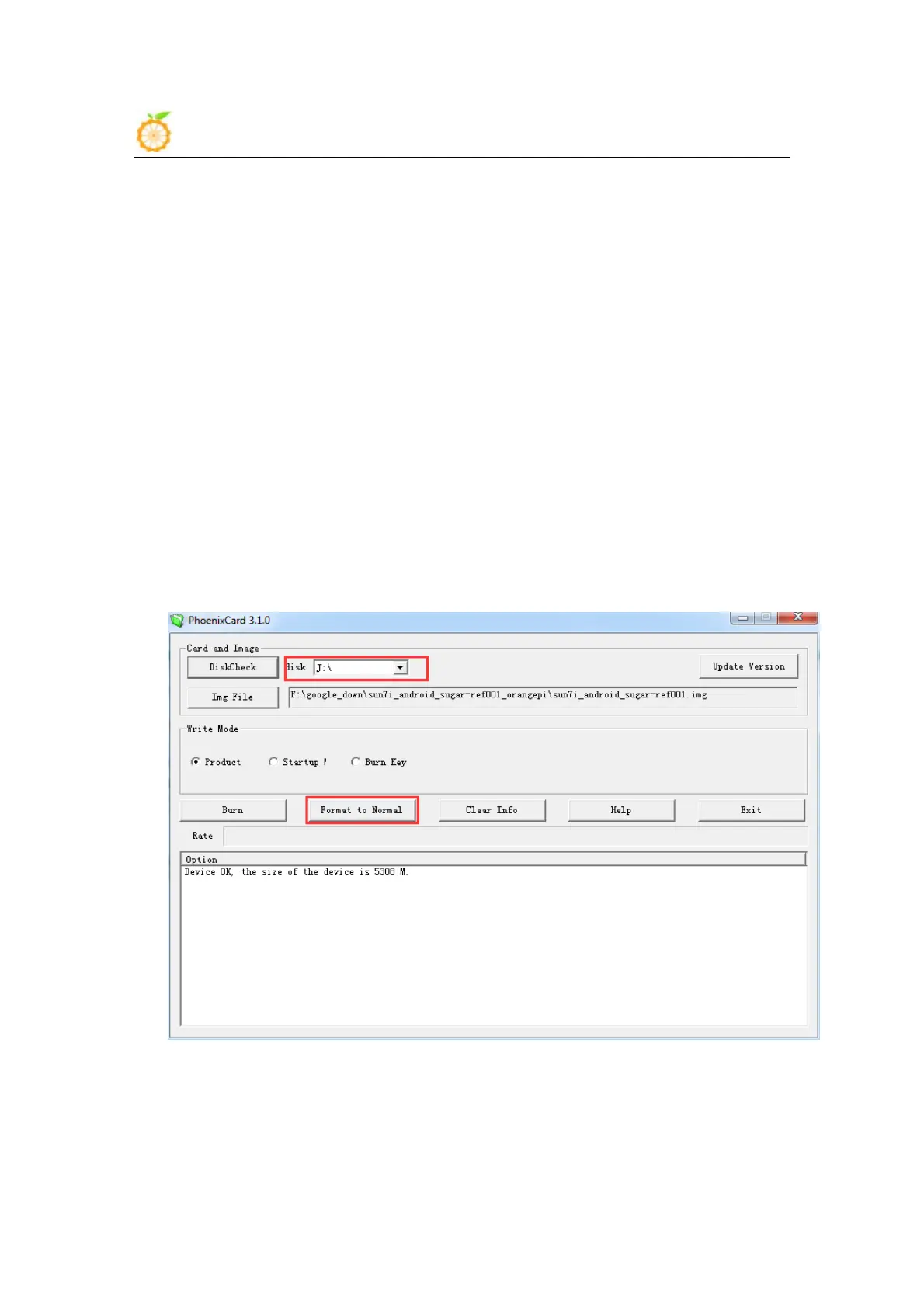
2. Format the TF card to Normal.
3. Check the TF card you inserted matches the one selected by
the tool. Click “Format to Normal”.


 To Next Page
 Loading...