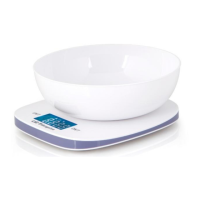
PC 2015
WEIGH-IN FUNCTION (TARE)
If you would like to weigh further ingredients for example, use the
weigh-in function.
• Press the „ EIN/TARA” button again. The display returns to “0”.
• Now place the ingredient in the pan of the scales. Only the actual
weight of the added ingredient is shown in the display. Repeat the above
procedure if necessary.
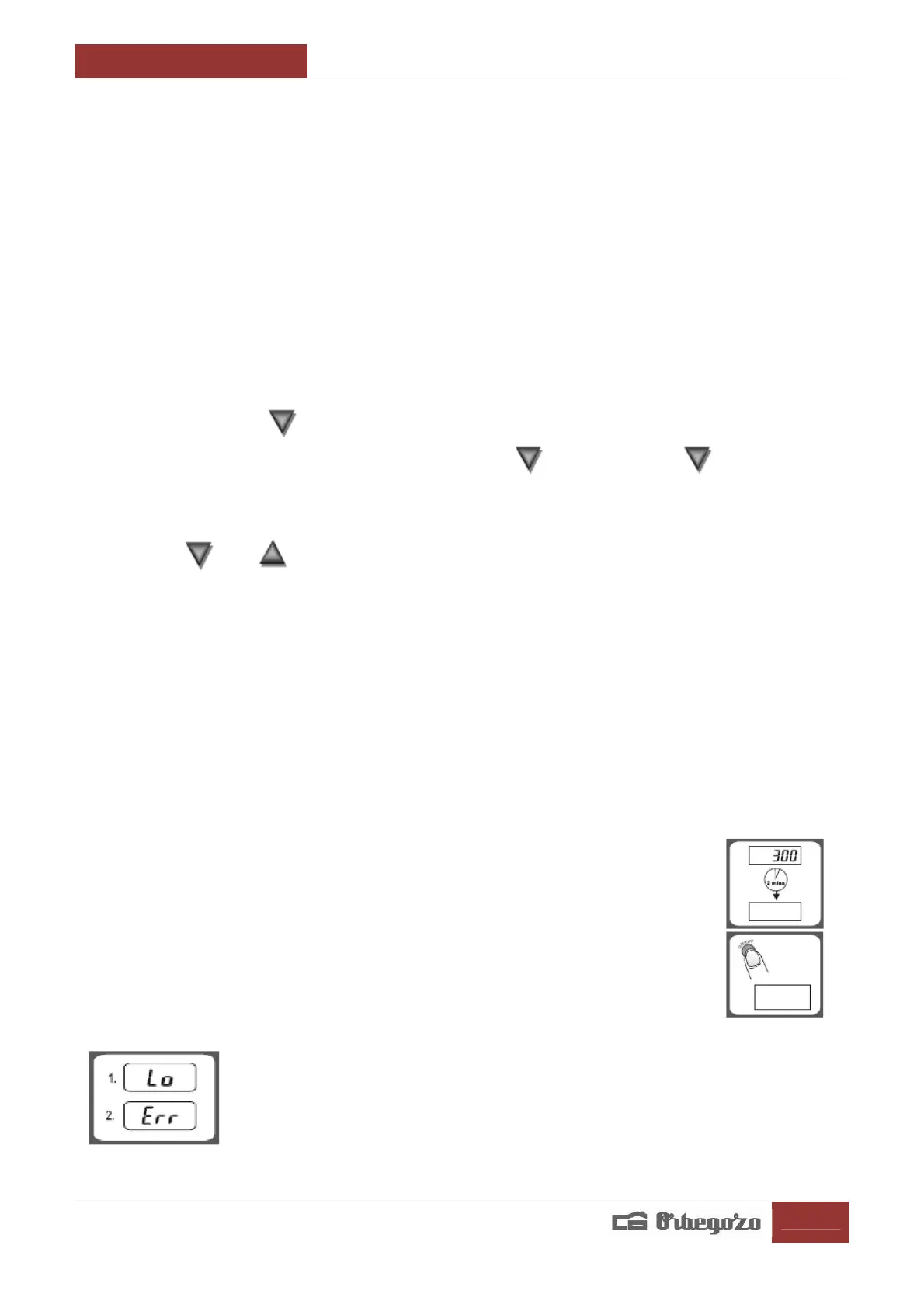
When the scales are not being used they turn off automatically after
approximately 2 minutes. This prolongs the battery life. Alternatively
you can press the „ AUS” button to switch the device off.
Handle the balance with care. It is a precision measuring instrument. Do
not make it fall and do not load it beyond the maximum weight.
ESTABLISH UNIT WEIGHT
Press the button and holding on it, press the ON / OFF button. Wait
for 10 seconds and release the button and press it again. The
display shows a P, and you can release the buttons.
The display shows the letter U with a number. You must select U2 using
the key or to confirm that you want to weigh in grams and
kilograms. If you want to change from grams to ounces, select U1 (to
switch unit when setup is complete, press UNIT).
If you want to change from grams to pounds, select U0. In this mode, when
it is they weigh in pounds display will show up to the colon, and the
remainder will be oz. Press the on /off button to confirm the selection.
The remaining parameters need not be changed. You can press the ON / OFF
button through without modifying parameters until the weight is off.
Light weight by ON / OFF key. Right now if you changed units, press the
key UNIT to change.
AUTO SHUT OFF
Auto shut –off occurs if display shows’0’ or shows the same
weight reading for 2 minutes.
MANUAL SHUT OFF
To maximize battery life, always press ON/OFF to turn off the
scale after using.
WARNING INDICATORS
1. Replace new battery
2. Scale overload. Remove item to avoid damage.
Max. Weight capacity is indicated on the scale.


 To Next Page