SWITCHING ON AND POWER SELECTION
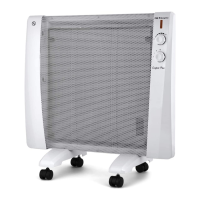
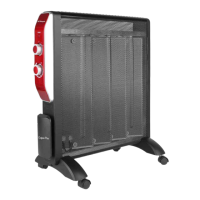
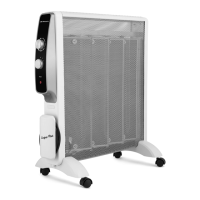
1. Select the power of the radiators by pressing the MODE button:
P1 P2 P3
RAW 2000 800W 1200W 2000W
RAW 2500 1000W 1500W 2500W
2. You can view the room temperature only through the mobile application.
3. The display will show the temperature selected either from the application or from the remote.
4. You can select a shutdown timer of up to 24 hours, both in the radiator and in the APP and remote
control.
WIFI CONECTION – Orbegozo APP
1. Install the “Orbegozo APP” application. Create a user account.
2. Activate the WIFI function on your mobile and connect to the wireless network.
3. On the radiator, keep the TIMER key pressed until the Wi-Fi symbol appears blinking.
4. Enter the app and select “Add device”.
5. Select the device from the list or let the app detect the radiator itself.
6. The application will be linked to the device and you can control it from your mobile.
USE OF THE APP
From the APP you can:
- Change the temperature
- View room temperature (under selected temperature)
- Change the power (P1, P2 and P3)
- Select the sleep timer
- Turn off the display light
- In the Intelligence section you can freely program the behavior of the radiator at the time you
want.
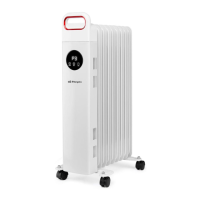
STORING YOUR OIL RADIATOR
Save the box for off season storage.
Clean the heater following the cleaning instructions above.
Remove the wheel base assemblies.
Place the radiator, and wheel assemblies in the original box, and store in a cool and dry place.
If you choose to store your heater fully assembled, be sure to cover it to protect it from dust.


 To Next Page