5
Inserting SIM Card and
MicroSD Card
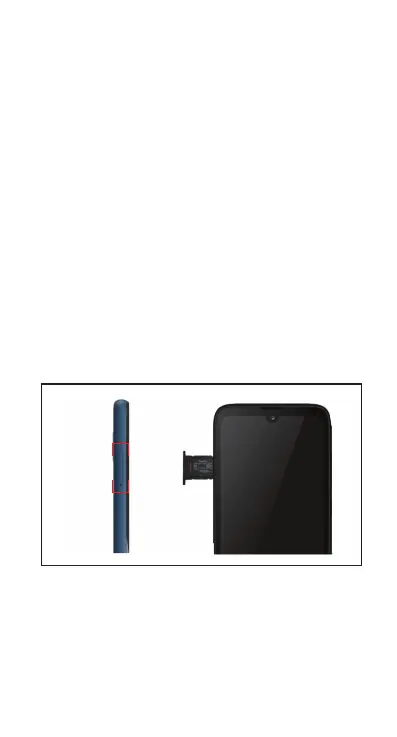
Insert the SIM tool in the SIM pinhole to
release the tray (as shown in the figure
below). Place the SIM card in the slot with the
gold contacts facing down and close the tray.
Your device is now ready to be used.
The SIM tray also has a slot for microSD
card that can be inserted following the
steps mentioned above.
NOTE : The microSD card is sold seperately.



 To Next Page