Setting up your phone
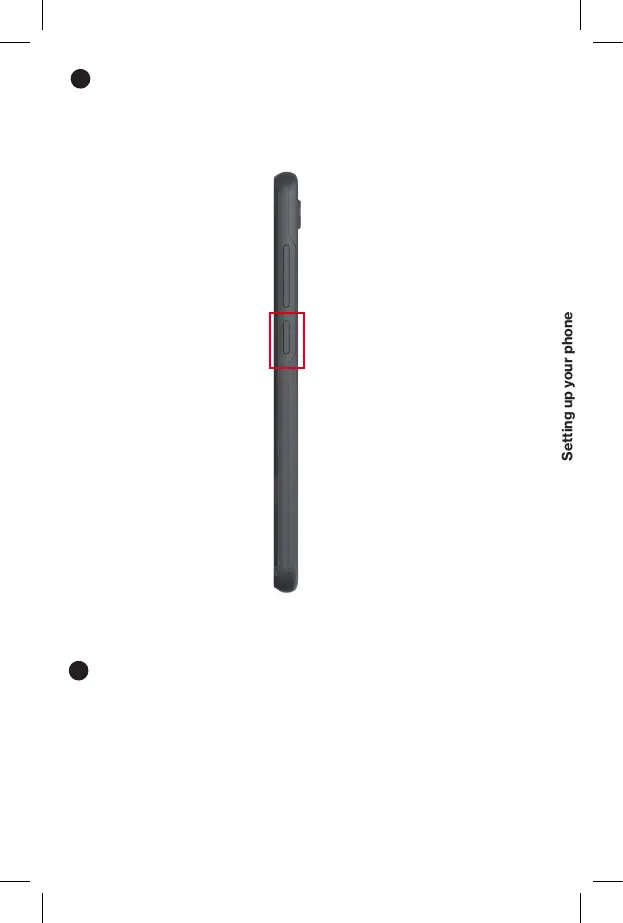
Turn your phone on/off
To turn your phone on, press and hold the Power/Lock button.
NOTE: The first time you turn on your phone, you will need to activate it.
See the Welcome Guide included with your phone.
3
To turn your phone off, press and hold the Power/Lock button.
Locking/unlocking the screen
To turn on your screen, press the Power /Lock button. Then swipe up
. on the screen to unlock it.
To turn off your screen and prevent accidental key presses, press the
Power button.
4



 To Next Page