Your phone already has a SIM card installed. For an optimal wireless
experience, use the SIM installed in your new phone.
Insert the microSD card
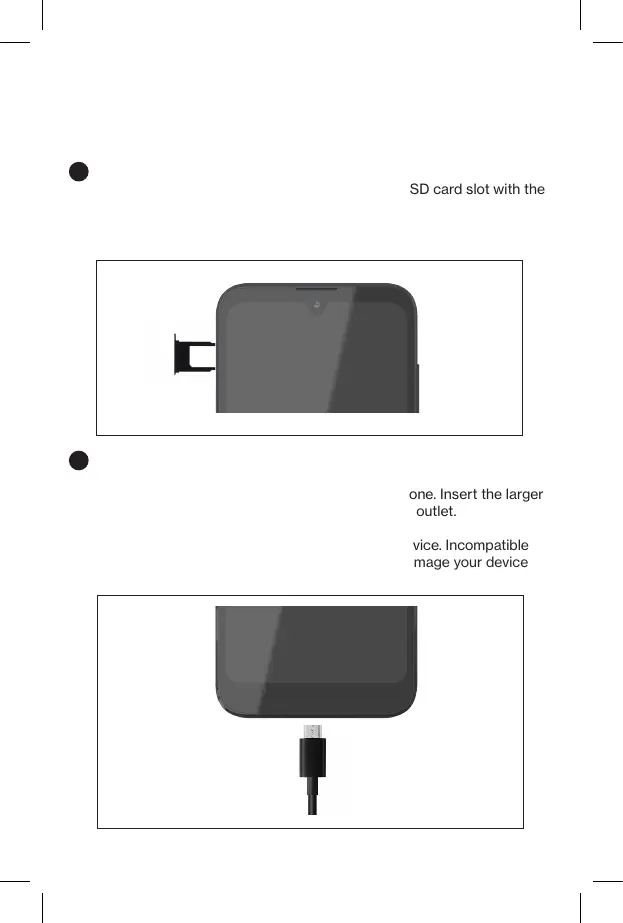
If you have a microSD card, slide it into the microSD card slot with the
gold contacts facing down.
NOTE: The microSD card is sold separately.
Setting up your phone
Setting up your phone
1
Charge your phone
Before turning on your phone, charge it fully.
Insert the small end of the USB cable into the phone. Insert the larger
end into the charger and plug the charger into an outlet.
WARNING: Only use approved chargers with your device. Incompatible
chargers or tampering with the charger port could damage your device
and void the warranty.
2



 To Next Page