English
- 9 -
CHRONOS Programmable Thermostat User Manual
t $MPDLTFUUJOH
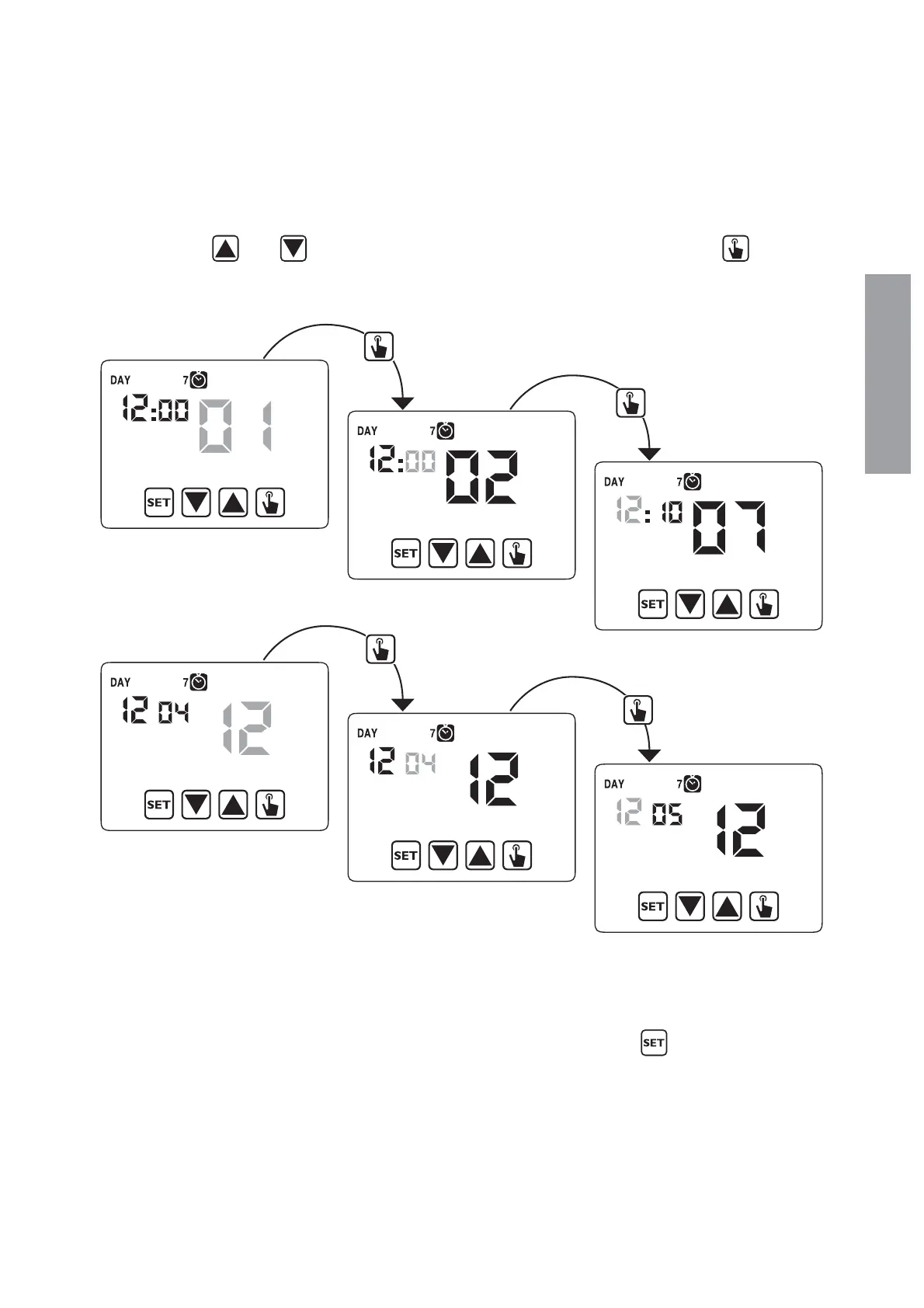
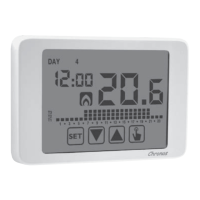
Once the instrument is mains powered, set the clock (time and date insertion).
The parameters to enter are the following:
seconds (only synchronisation at value 00), minutes, hours, year, month, day.
Use the keys
and to increase and decrease the values and the key per
confermare e passare al parametro successivo.
Seconds synchronisation
Minutes setting
Time setting
Year setting
Month setting
Day setting
Once all values are set, press for a long time (3 seconds) the key
to exit the menu
of the clock synchronisation.


 To Next Page