- 36 -
Orus Programmable Thermostat User Manual
English
- 37 -
Orus Programmable Thermostat User Manual
➔
5
➔
10
➔
2
➔
1
➔
3
➔
4
➔
6
➔
9
➔
11
➔
12
➔
13
➔
8
➔
7
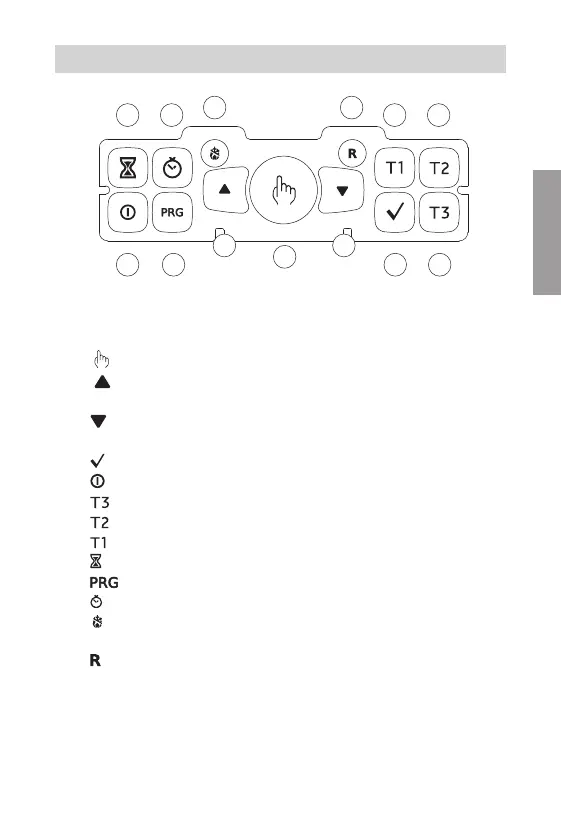
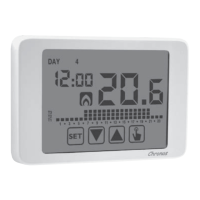
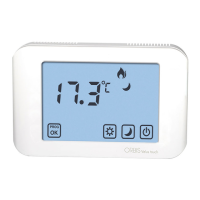
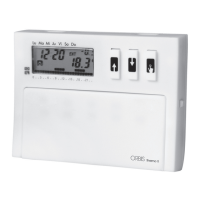
■ Control elements
1) “ ” Key: manual operation
2) “
” Key: increases the selected field
or displays the daily maximum
temperature
3) “
” Key: decreases the selected field
or displays the daily minimum
temperature
4) “
” Key: confirms the set data
5) “
” Key: activation and deactivation of the programmable thermostat
6) “
” Key: selects temperature T3
7) “
” Key: selects temperature T2
8) “
” Key: selects temperature T1
9) “
” Key: allows to set a timer or an activation delay
10) “
” Key: programs setting or advanced programming
11) “
” Key: clock setting
12) “
” Key: winter operation (preset) or summer operation (the button is
reachable only with a point)
13) “
” Key: deletes date and time but not the set programs (to do this see
“Restoring default parameters” page 56)
(the key is reachable only with a point).
CONTROL ELEMENTS / DISPLAY INDICATIONS


 To Next Page