12
SET DURATION AND START TIME FOR WATERING
The Orbit timer allows you to set the duration and start time for
watering in each of three watering cycles.
Push CONFIRM button to begin the set mode.
Push CONFIRM button two more times and NEXT button
once to move past the time/day setting and the watering
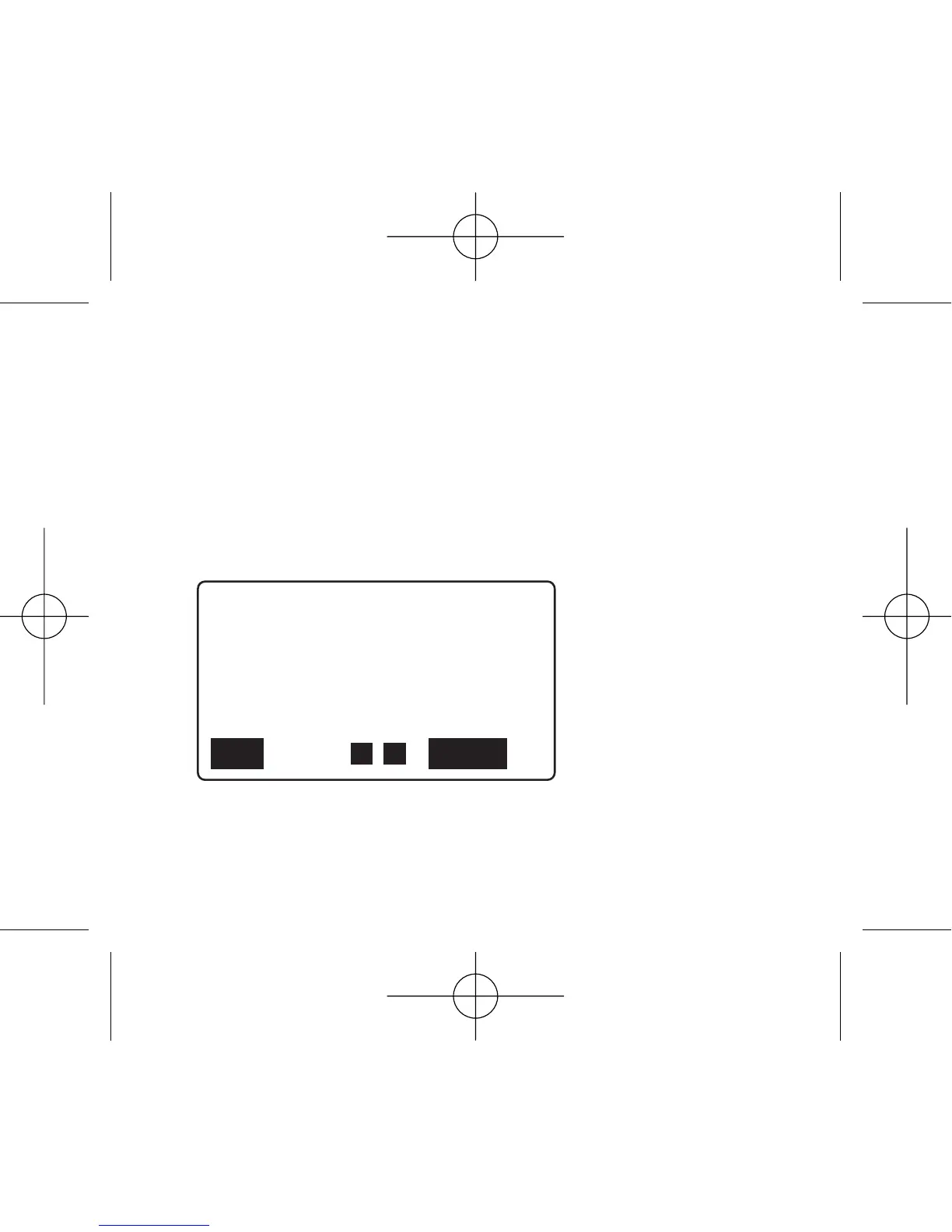
days. MINS TO RUN will show with two digits or "- -" flashing.
Push + or – button to set the duration desired for watering,
from 1 to 99 minutes.



 To Next Page