15
ce to
to
auto-
ettings.
ODE but-
ected.
mmed,
will
mer is
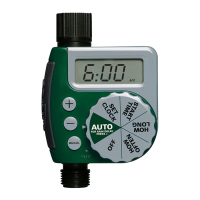
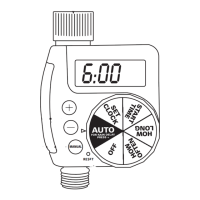
When watering begins, MINS TO RUN will alternate with the
current time and day to indicate the time left on current cycle.
In this mode, the unit executes any programmed schedule
or default schedule.
In this mode, extra (Manual) watering is ceased.
In this mode, Delay mode is canceled.
NOTE: When no button has been pressed for 1 minute, the timer auto-
matically will switch to the AUTO mode and all the programmed settings.
You may push MODE button to return to Mode Selecting. Push MODE but-
ton to select SET. The word SET will blink to indicate that it is selected.



 To Next Page