8
PROGRAMMING
SET CLOCK TIME AND DAY OF WEEK
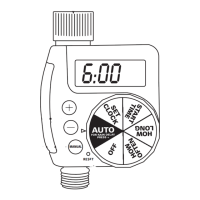
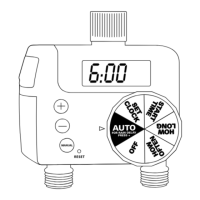
Push the indented RESET area to erase the current settings.
After pressing RESET the timer automatically will start in the
SET mode. The word SET will blink to indicate that it is
selected.
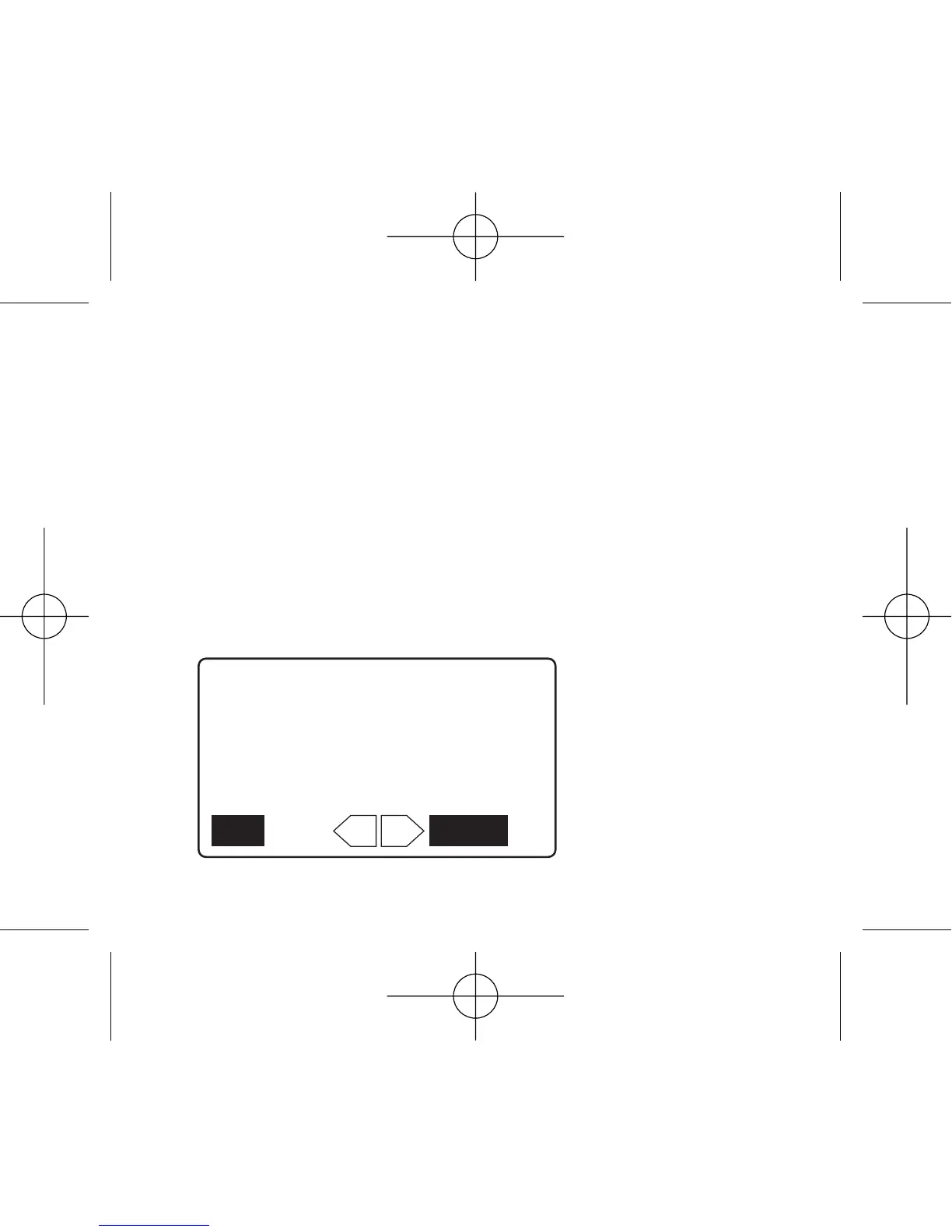
Push CONFIRM button to begin the set mode. The word
CLOCK will appear to indicate the time/day setting is active.
Push + or - button to select the current day of the week.
The day selected will flash.



 To Next Page