10 seconds
If you want to use the DOCK in a public environment where you
are worried about people changing the settings, you can use
the INSTALL / DEMO mode to make sure it is always set up as
you intended.
Set up the DOCK as you want (source, volume, bass, treble etc.)
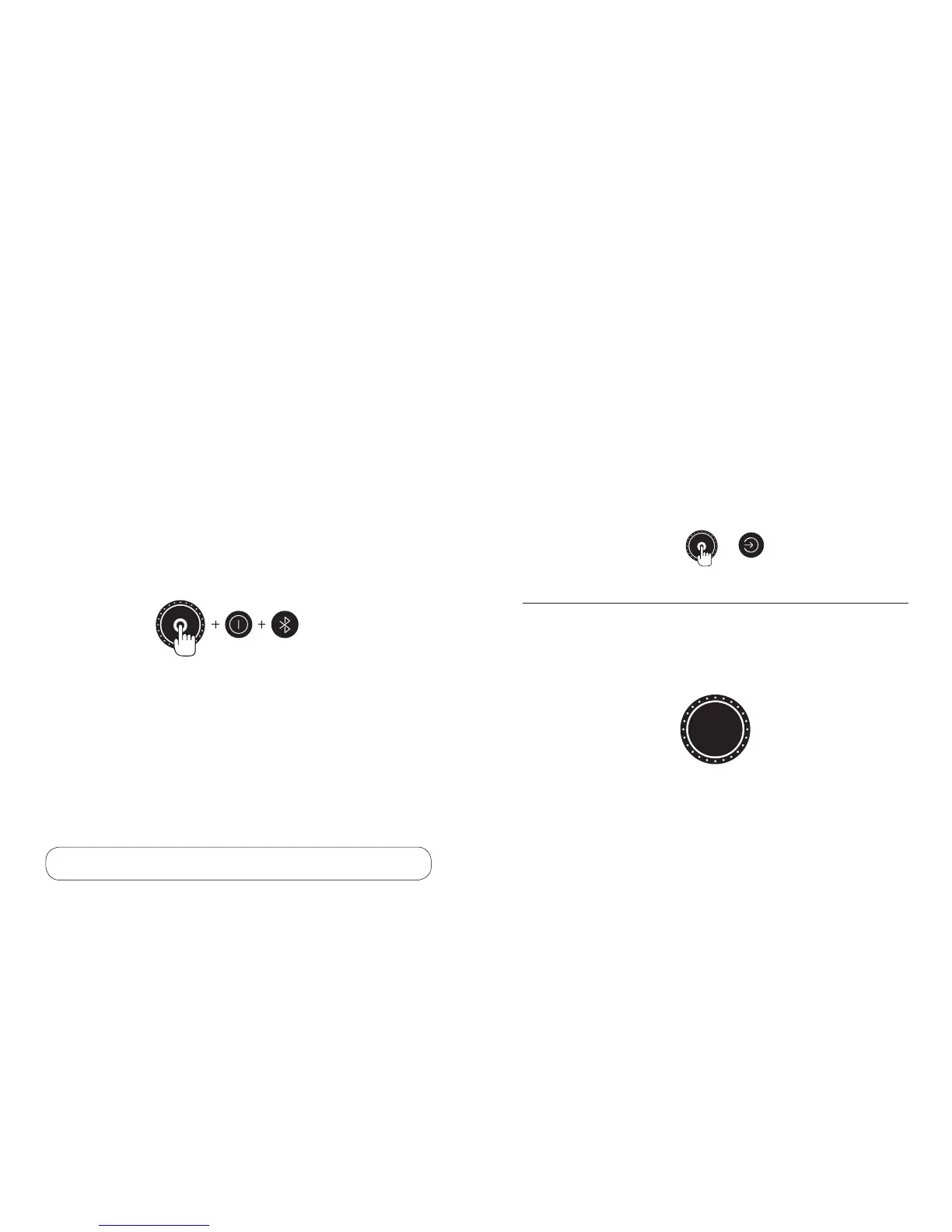
Press and hold VOL. DIAL + BLUETOOTH + SOURCE for 10
seconds:
The DOCK will memorise these settings, and after 5 minutes of
no buttons being pressed it will automatically recall your stored
settings.
Install / demo mode
NOTE: Do a system reset to exit INSTALL / DEMO mode.
Reset
SYSTEM RESET
To reset the DOCK to the factory defaults, press and hold the
VOLUME DIAL and SOURCE buttons for 5 seconds.
The DOCK will flash all the dial lights to confirm, and switch to
optical source. Everything is now reset to default settings.
Please note, Bluetooth and Wi-Fi settings remain. Perform a
Bluetooth or Wi-Fi reset to restore settings (p.12-13).
Doze
If no sound is playing for over 5 minutes, the source light will go
out. This is the DOCK in DOZE, energy saving mode. If you play
sound into the currently selected input, or press any button, the
DOCK will wake up.
SYSTEM RESET: + 5 seconds
1918



 To Next Page