Wi-Fi
1. Download and install the free Orbitsound app.
Follow the in-app instructions.
WI-FI RESET: If you are having difficulty connecting your speaker
via Wi-Fi, reset the Wi-Fi settings by pressing and holding the
(SOURCE) button for 10 seconds.
2. When prompted by the app, press and hold
(SOURCE) on the control panel or remote control
for three seconds. This enters Wi-Fi setup mode to
enable the DOCK to connect to your Wi-Fi.
Wi-Fi enables seamless streaming and the ability to
connect multiple speakers.
WI-FI RESET: 10 seconds
SETUP: or 3 seconds
Bluetooth
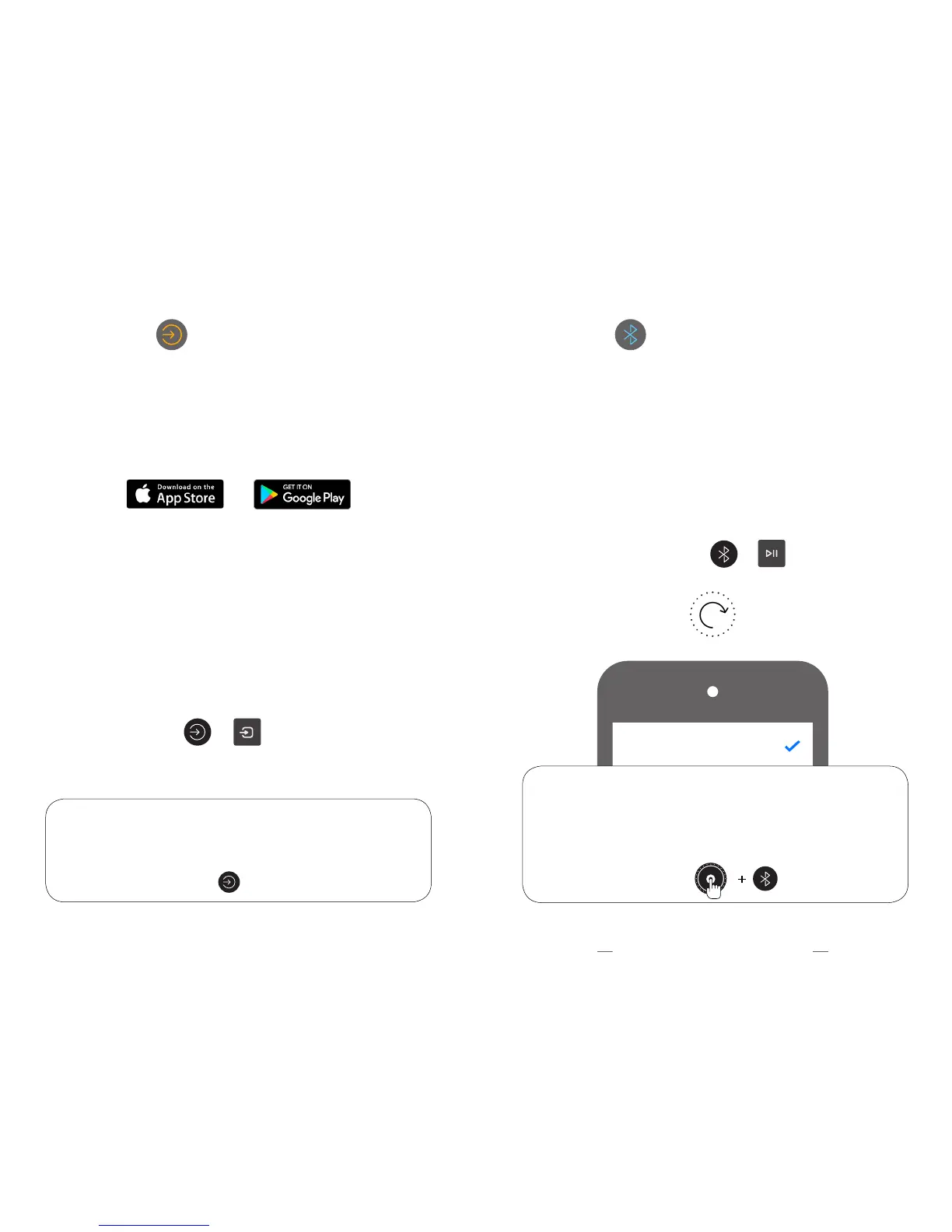
BLUETOOTH RESET: If you are having difficulty connecting, do a reset
by pressing and holding the VOLUME DIAL and BLUETOOTH buttons
for 5 seconds.
NOTE: If you are using a wireless subwoofer with the DOCK, after a
Bluetooth reset, you will need to re-pair it. See ‘SUBWOOFER PAIRING’.
BLUETOOTH PAIRING: Press and hold (BLUETOOTH) on
the control panel or (PLAY) on the remote for 3 seconds.
The dial will show a seeking animation. Look for ‘Orbitsound
DOCK E30’ in your device’s Bluetooth list and tap to connect.
To use your phone / tablet with Bluetooth, you need
to pair it to the DOCK E30:
BLUETOOTH PAIRING: or 3 seconds
BLUETOOTH RESET: 5 seconds
Orbitsound DOCK E30 Connected
1312



 To Next Page