2
EN
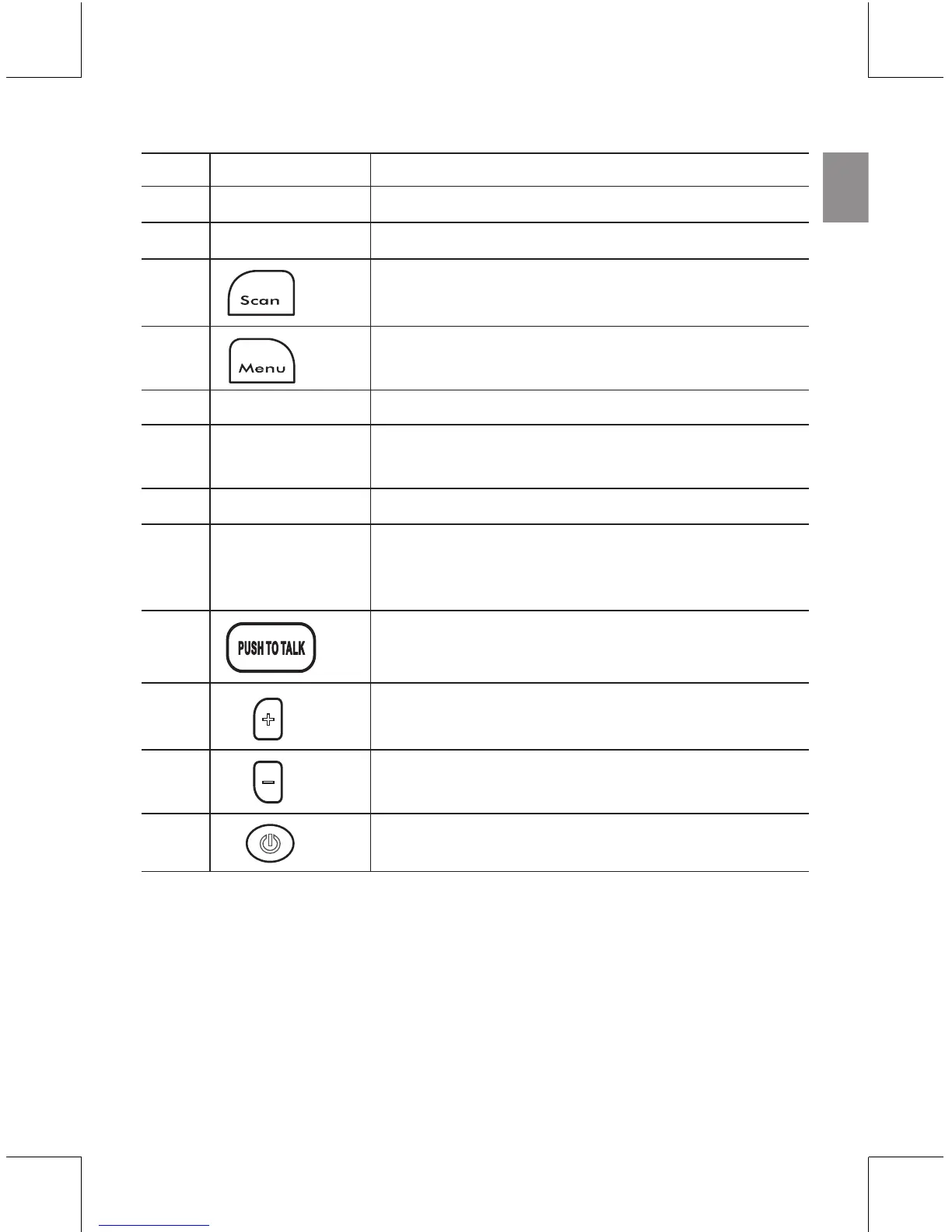
NO. DESCRIPTION FUNCTION
0 Antenna Receives and transmits signals
1 LED indicator Lights up red when transmitting a signal
2 Auto scans for available channel / Monitors
current channel for activity
3 Scrolls through menu options / Locks and
unlocks the keypad
4 Speaker Generates audible sound
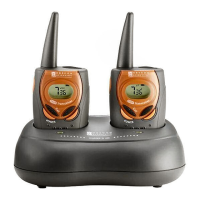
5 Connection Slot pins into a desktop charger docking
pins station (docking station not included)
6 Microphone Picks up voice sounds
7 Headset jack / Allows use of headset for hands-free
charger jack communication or use of AC adapter for
charging
8 Push to talk / Conrms selection in Menu Mode
9 Increase volume / Select Channel, CTCSS,
Call Tone, Mic / VOX level in Menu Mode
10 Decrease volume / Select Channel, CTCSS,
Call Tone, Mic / VOX level in Menu Mode
11 Press to turn the unit on or off



 To Next Page