page 19
RS-232 Command
Serial port protocol. Baud rate: 115200 (default), 57600, 38400, 19200, 9600; Data bits: 8bit;
Stop bits:1; Check bit: 0
x - Parameter 1; y - Parameter 2; ! - Delimiter
Command Code
Function Description Example Feedback
SYSTEM Setting
help! Lists all commands help!
r type! Get device model r type! 4x1 HDMI Multiviewer
r fw version! Get Firmware version r fw version!
MCU FW version x.xx.xx
SCALER FW version x.xx.xx
power z!
Power on/off the de-
vice,z=0~1(z=0 power off,
z=1 power on)
power 1!
System Initializing...
Initialization Finished!
MCU FW version x.xx.xx
SCALER FW version x.xx.xx
r power! Get current power state r power! power on /power off
reboot! Reboot the device reboot!
System Initializing...
Initialization Finished!
MCU FW version x.xx.xx
SCALER FW version x.xx.xx
reset! Reset to factory defaults reset!
Reset to factory defaults
System Initializing...
Initialization Finished!
MCU FW version x.xx.xx
SCALER FW version x.xx.xx
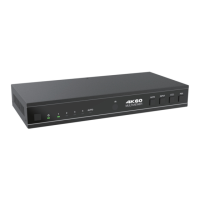
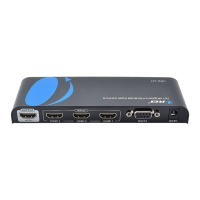
The product also supports RS-232 command control. Connect the RS-232 port
of the product to a PC with a 3-pin phoenix connector cable. Then, open a
Serial Command tool on PC to send ASCII commands to control the product.
The ASCII command list about the product is shown as below.


 To Next Page
 Loading...