9
• Measuring time for 2 persons
Button A → B → A → B → B
Start 1st person finishes 2nd person finishes Reset
Time of 1st person Time of 2nd person
[Using the alarm (one-time alarm)]
– This is the one-time alarm that sounds only once at a set time. After a sound,
the set time is cancelled.
–You can set the alarm at every one minute within the coming 12 hours.
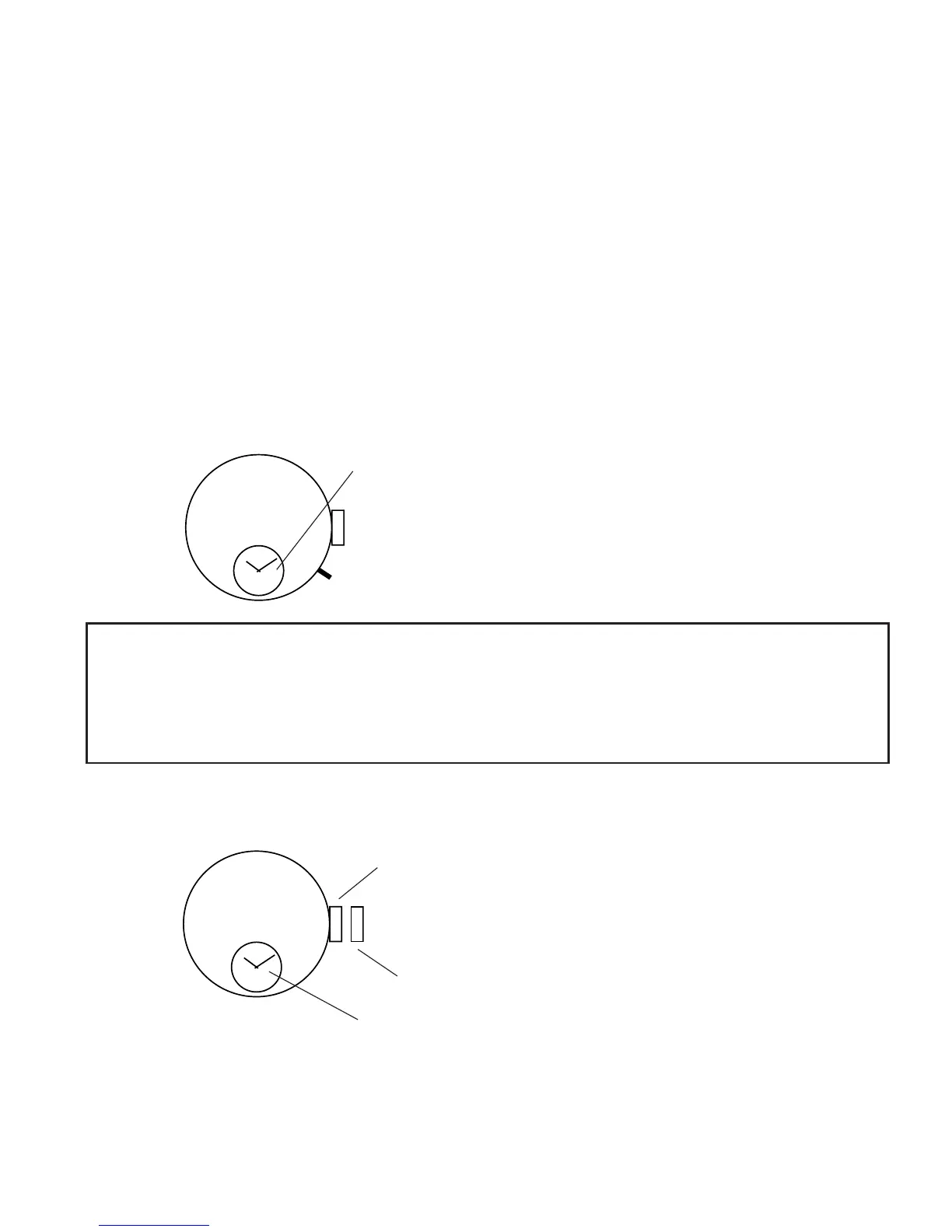
This mini-alarm-watch indicates the current time
when the alarm is not set, and when the alarm is
set, it indicates the alarm time.
<Setting the time of mini-alarm-watch>
The time of mini-alarm-watch is set simultaneously with that of the basic
watch, etc.
Refer to [◆ Time Setting/0-Position Setting of Stopwatch Hands].
• Setting the alarm time
Pull the crown out to the first step.
Crown
First step (setting the alarm time)
When the alarm is set, the alarm time
remains as indicated.
* Note that you cannot operate the stopwatch in the first step of the crown.



 To Next Page