10
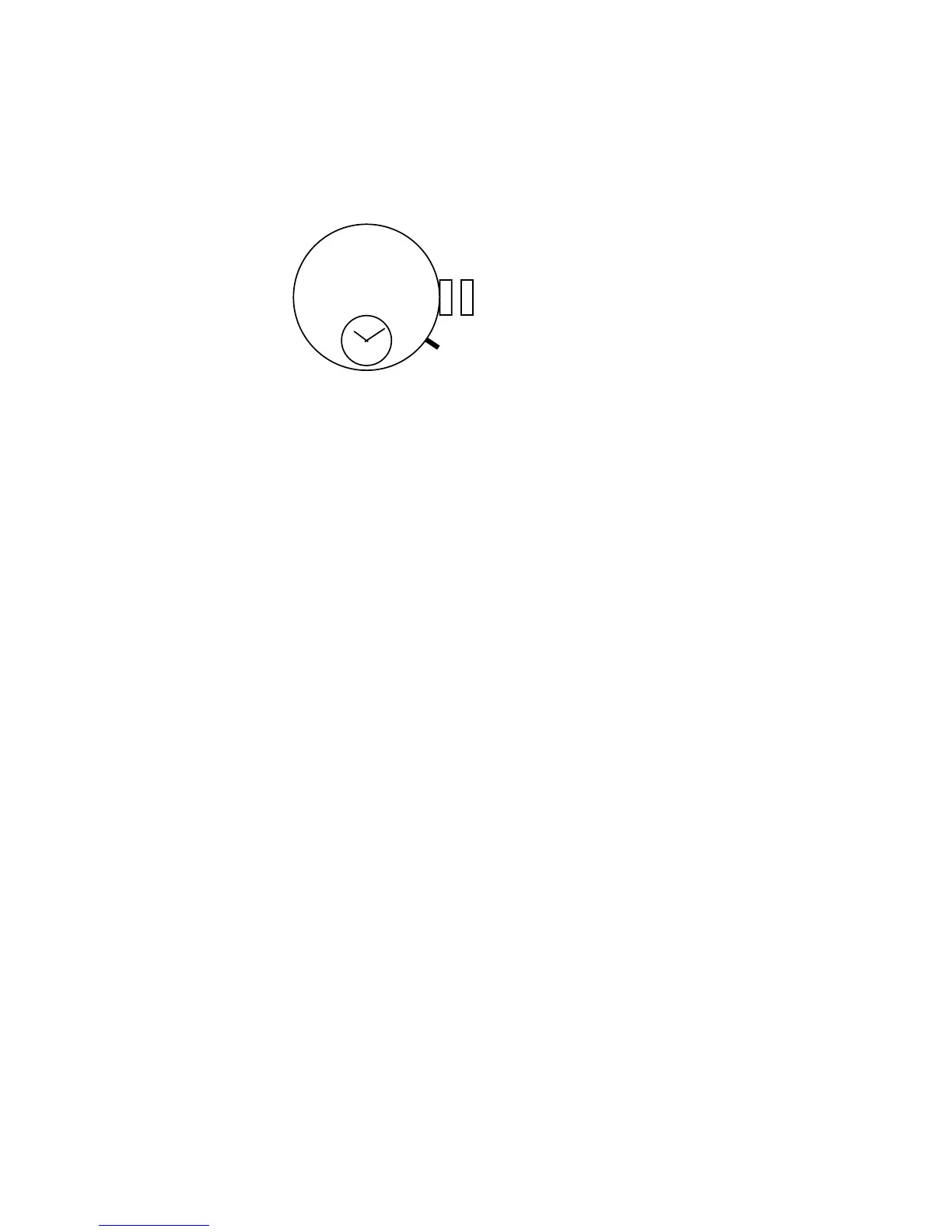
Press Button B and set the alarm time.
Continued pressing results in fast-forwarding.
Button B
* If you passed the time you desired to set, advance it further and set it.
When the alarm time reaches the current time, it enters a state of no alarm is
set. At the time, if Button B is continuously pressed and comes to the current
time, the fast-forwarding hand stops once. To set the alarm time, release
Button B once and press it again and set it.
* If current time is 10:08 a.m., you can set the alarm time until 10:07 p.m.
After you finish the setting, press in the crown.
* Be sure to press in the crown; otherwise, the alarm will not sound.
•To stop sounding alarm:
When the set alarm time comes, the alarm will continue to sound for 20 sec-
onds. Press Button A or Button B if you wish to stop the sounding alarm.
*While the stopwatch hand is running, the alarm may sound different from the
usual alarm sound, but this is not a malfunction. Furthermore, even if the
stopwatch is operated by pressing Button A or Button B while the alarm is
sounding, it will merely work as a sound stopper and will not operate the
stopwatch. You can operate it normally after the sound has stopped. After
the alarm has sounded once, a set alarm will be automatically cancelled.
• Correcting or canceling the alarm time
–You wish to correct the set alarm time.
–You wish to cancel the set alarm.



 To Next Page