11
Pull the crown out to the first step.
Press Button B and then you can correct the alarm time. Continued pressing
results in fast-forwarding.
–To cancel the alarm, press Button B, and let the alarm time agree with the
hour / minute of the current time. Another easy way to cancel the alarm is to
continuously press Button B to allow fast-forwarding, and when fast-forward-
ing stops at the current time, you can release Button B.
After you have successfully carried out correction or cancellation, press in the
crown.
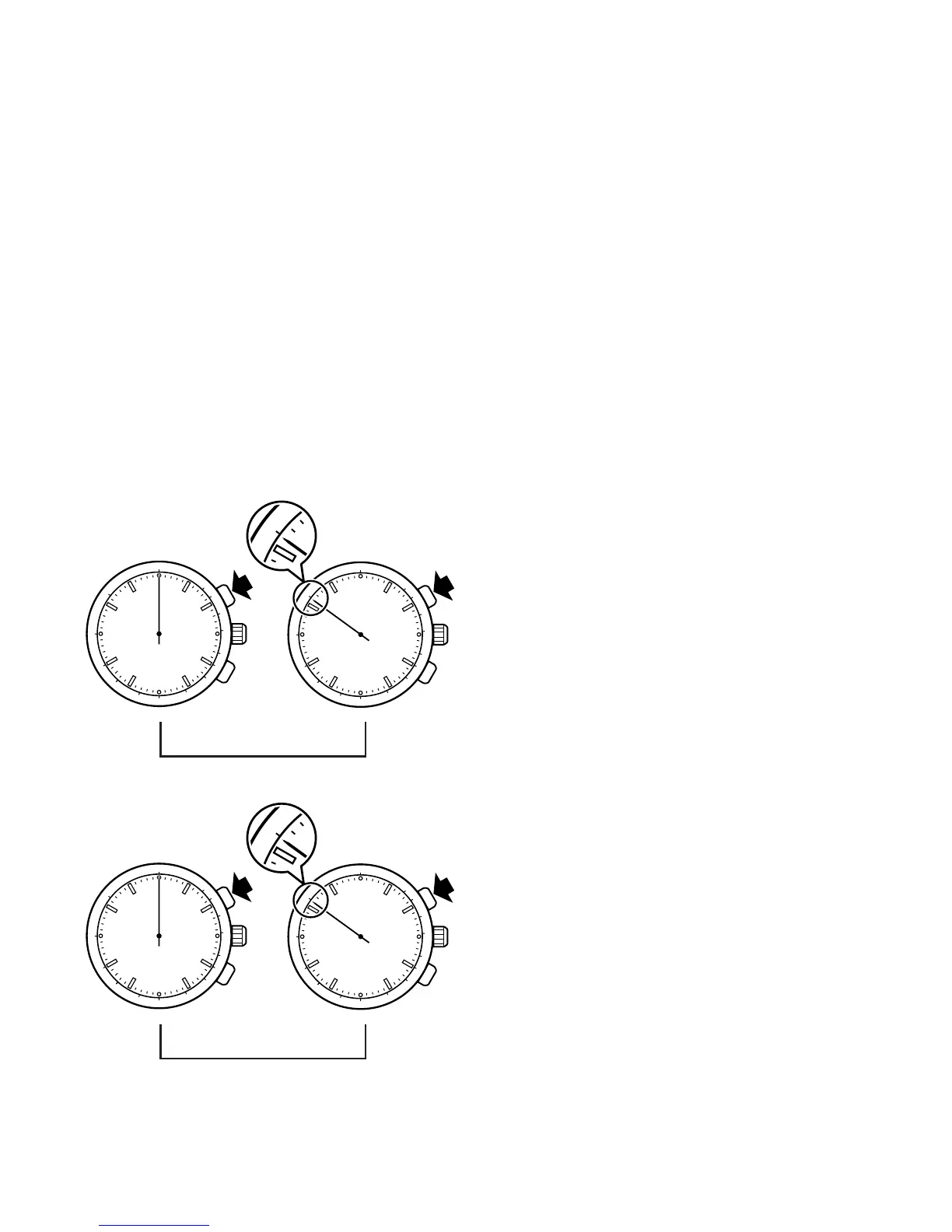
◆ Operating the tachymeter
(for a item that has tachymeter scale on the dial)
60
400
250
70
80
90
100100
110
120
1
4
0
160
180
200
300
500
60
400
250
7
0
8
0
90
100100
110
120
1
4
0
160
180
200
300
500
• Measurement of speed per hour
1.Measure the time required to run 1
km.
2.Read the tachymeter figure which
the 1/5 second hand is indicating.
(70 km/hour)
1 km
• Measurement of output per hour
1.Measure the time required to pro-
duce one product.
2.Read the tachymeter figure which
the 1/5 second hand is indicating.
(70 pieces/hour)
Start Stop
60
400
250
70
80
90
100100
110
120
1
4
0
160
180
200
300
500
60
400
250
7
0
8
0
90
100100
110
120
1
4
0
160
180
200
300
500



 To Next Page