20
ENGLISH
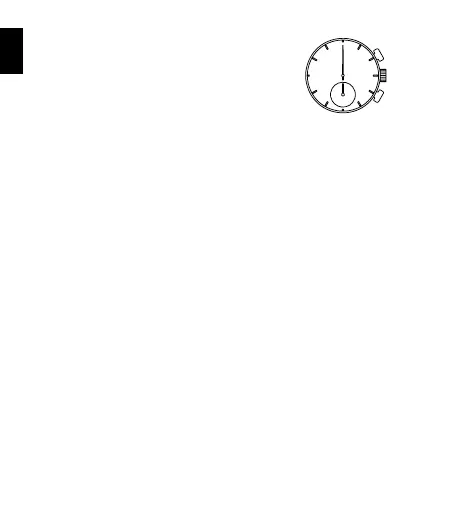
How to reset the stopwatch
• When the stopwatch hands are counting:
1 Press button A to stop the stopwatch.
2 Press button B to reset the stopwatch.
• When the stopwatch hands are stopped:
One of the following three stopwatch operations has
occurred. Reset the stopwatch accordingly.
[The stopwatch was stopped in “standard measurement”]
1 Press button B to reset the stopwatch.
[The stopwatch stops with the split time displayed (the stopwatch
continues measuring)]
1 Press button B. The split time is released and the stopwatch hands
move quickly to indicate the measurement in progress.
2 Press button A to stop the stopwatch.
3 Press button B to reset the stopwatch.
[The stopwatch stops with the split time displayed (the stopwatch is
stopped)]
1 Press button B. The stopwatch hands move quickly and stop.
2 Press button B to reset the stopwatch.
* When the stopwatch is reset, the stopwatch minute hand and stopwatch
second hand return to the 0 position.
A
B



 To Next Page